Call Establishment
Issue 5 - 04/01 4-35
If you choose EN-BLOC, the characters are sent in a block
when you choose SEND; if you choose OVERLAP, the
characters are sent as you press the keys.
B1 KEYPAD B
Enter an information string (refer to the appropriate
Reference Guide for your network's Supplementary Service
codes).
If you chose en-bloc dialling, to send the characters press
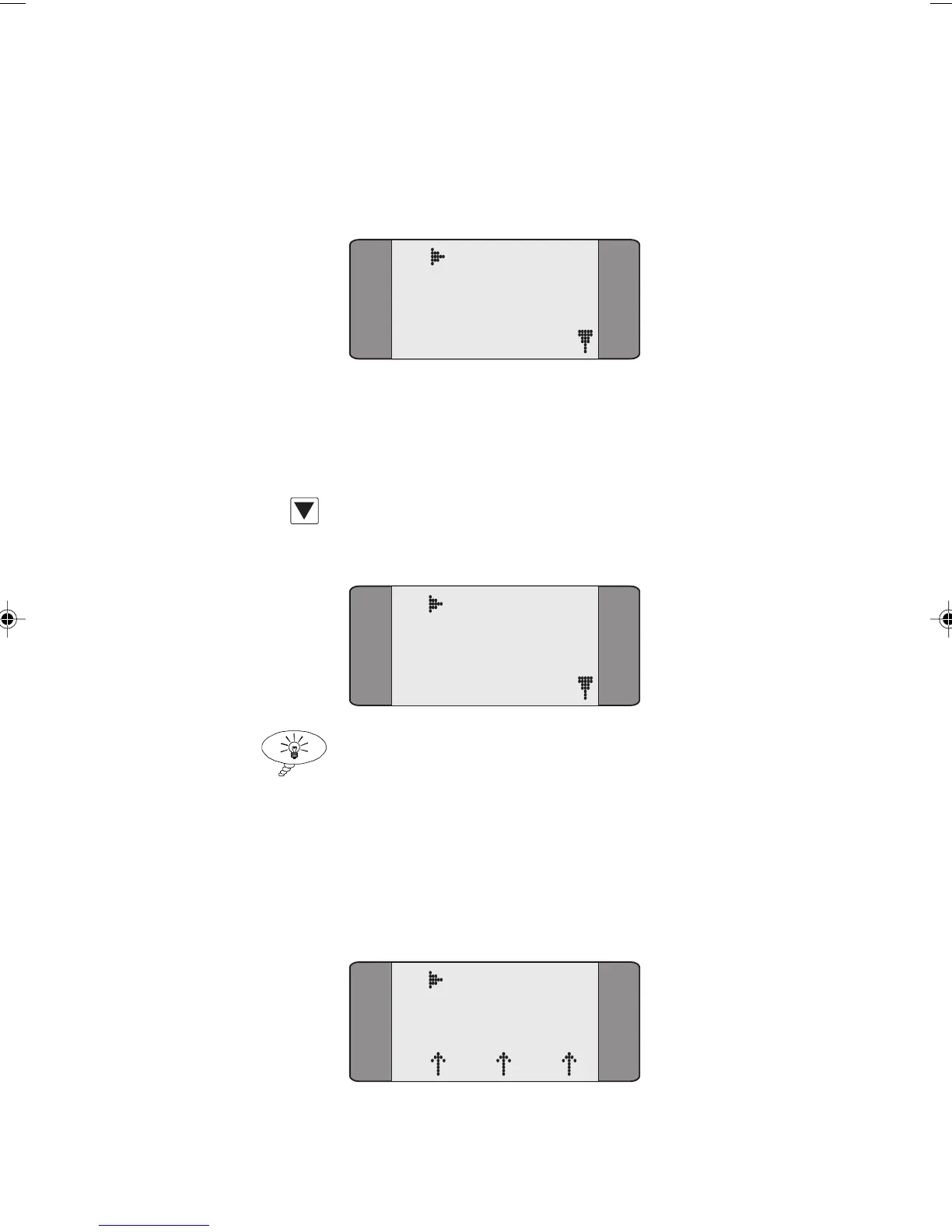
SCROLL to display the following screen:
B1 KEYPAD
1 SEND
2 EXIT
Tip
To toggle between the KEYPAD screen and the Send/Exit
screen, press SCROLL.
Choose SEND to transmit the information string. A screen
similar to the following is displayed until a response is
received from the network.
B1 KP SENT
*39#
L1 L2 L3
Chap04s2.P65 30/04/01, 16:3735



 To Next Page