Test Functions
Issue 5 - 04/01 5-13
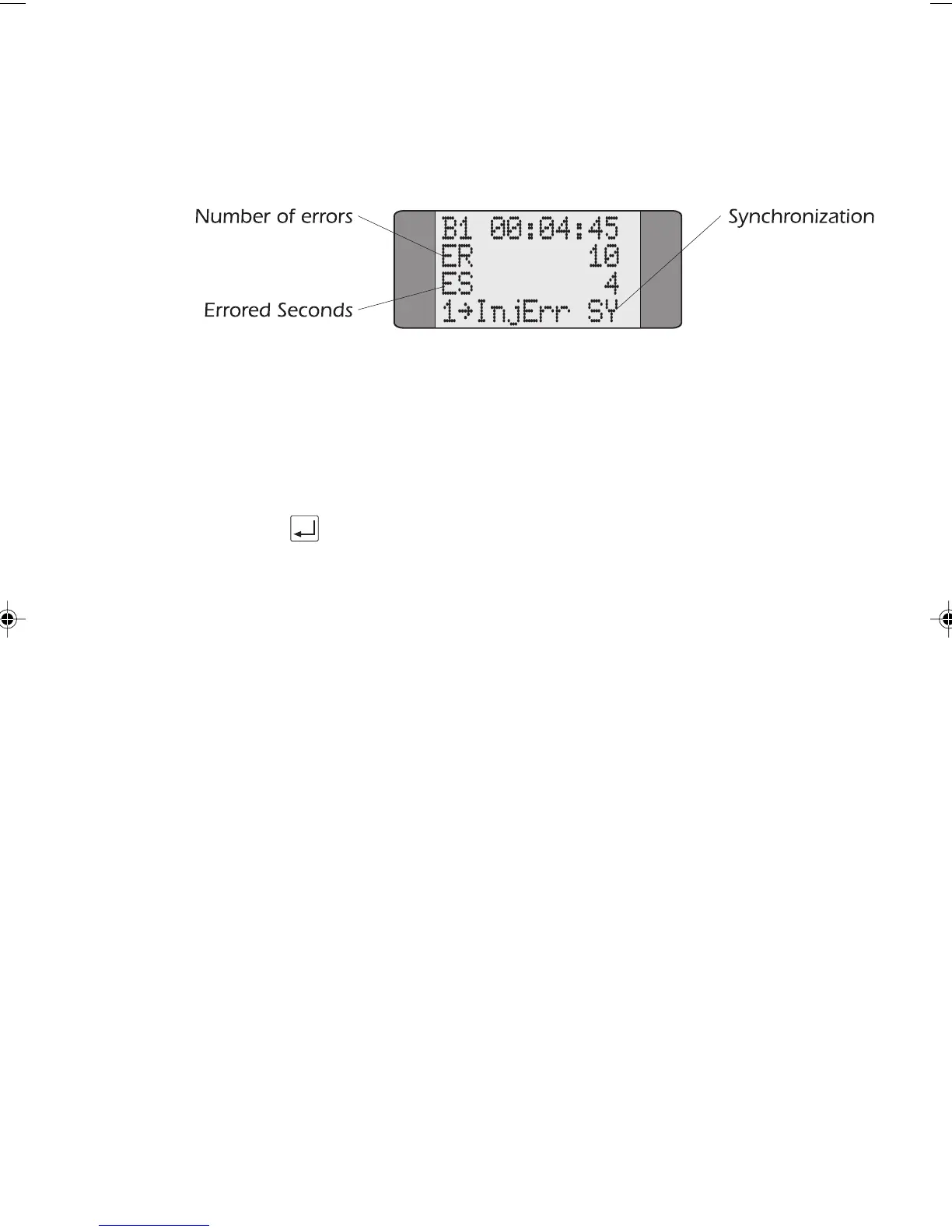
When the call is connected a screen similar to the following
is displayed:
The test runs for the duration set in the Bert Setup Screen
(please refer to Setting the BER Test Length in Chapter 3 for
further information) and the call is then cleared.
To inject errors into the BER pattern, press 1.
Press ENTER at any time, to stop the test.
Note
SY is displayed when the BERT pattern is synchronized. Sync
Lost
is displayed otherwise.
Understanding the BER Test Results
You can store up to 10 sets of results in AuroraPlus's memory
and these are numbered from 0 to 9. Each BERT result
consists of two screens showing the parameters specified in
G.821. These parameters are explained below:
• Total Kilobytes (KB), received after sychronisation
• Error Count (ER), the number of errors received
• Errored Seconds (ES), the number of seconds in
available time containing any errors
• Error Rate (RT), the number of errors detected divided
by the number of bits received
Chap05.P65 01/05/01, 09:1113



 To Next Page