Trend AuroraPlus User Guide
4-10 429850
Select SUPP SVCS.
B1 CONNECT
1 KEYPAD
2 HOLD
3 SUSPEND
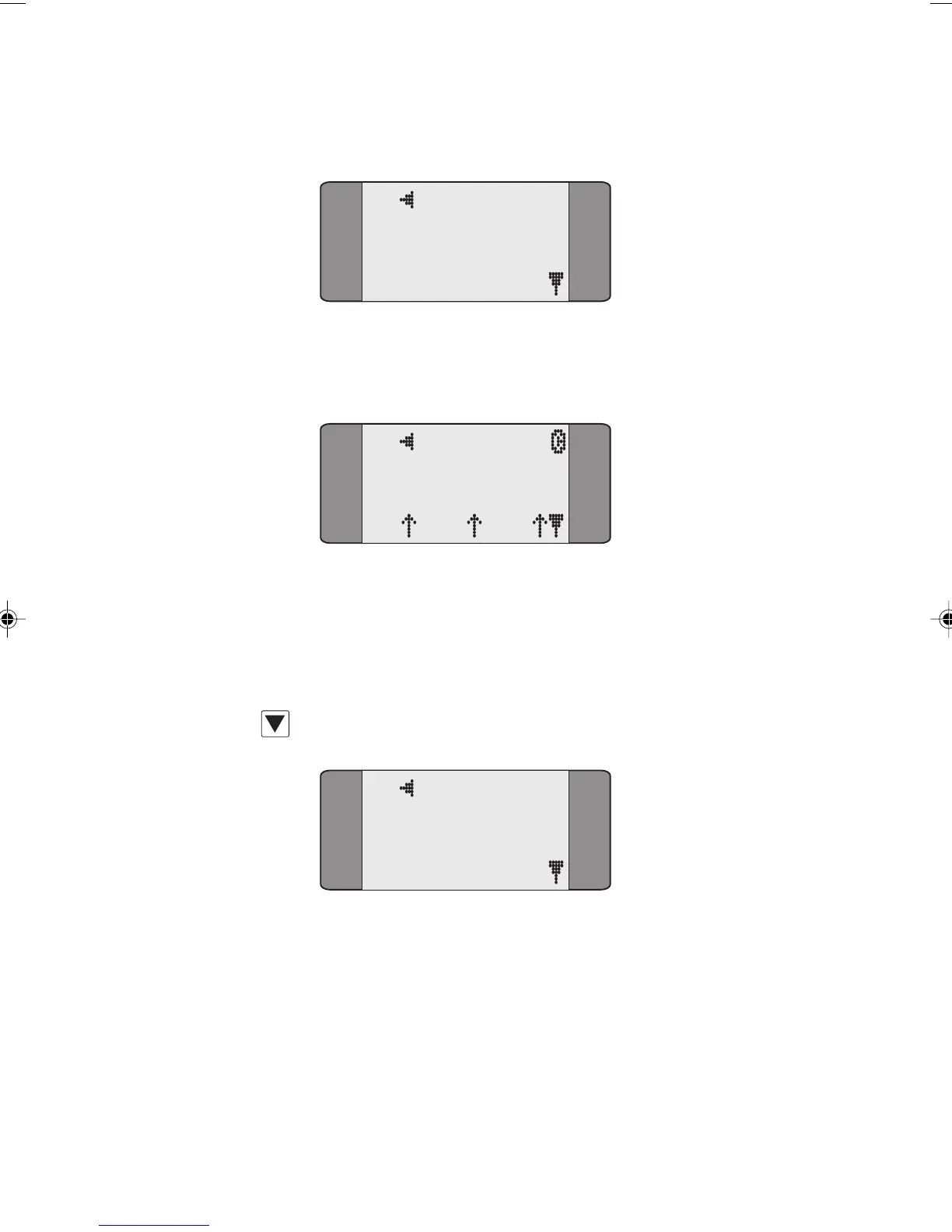
Select HOLD. This places the current call on hold and HELD is
displayed in the Call Status screen.
B1 HELD
SPEECH
L1 L2 L3
Note
If the Call Hold request fails, REJECT is displayed. Press
CLEAR to return to the Connected screen of the established
call.
Press SCROLL to display further options:
B1 HELD
1 RETRIEVE
2 NEW CALL
Choose NEW CALL to make a new, outgoing call.
Chap04s1.P65 30/04/01, 16:3310



 To Next Page