Test Functions
Issue 5 - 04/01 5-33
Press ENTER to exit the Status Request screens.
Notes
• If no facilities are set Nofac is displayed.
•
Rejected is displayed if the network does not respond.
Tip
You can also access the Status Request option by selecting
STATUS/STATUS ENQ from the Main Menu.
Displaying Far End Block Errors/Near End
Block Errors (FEBE/NEBE)
When using the 2B1Q-interface, the internal error counters
of the U Interface circuit can be displayed.
Far End Block Errors (FEBE) indicate errors in the Transmit
direction. Near End Block Errors (NEBE) indicate errors in
the Receive direction.
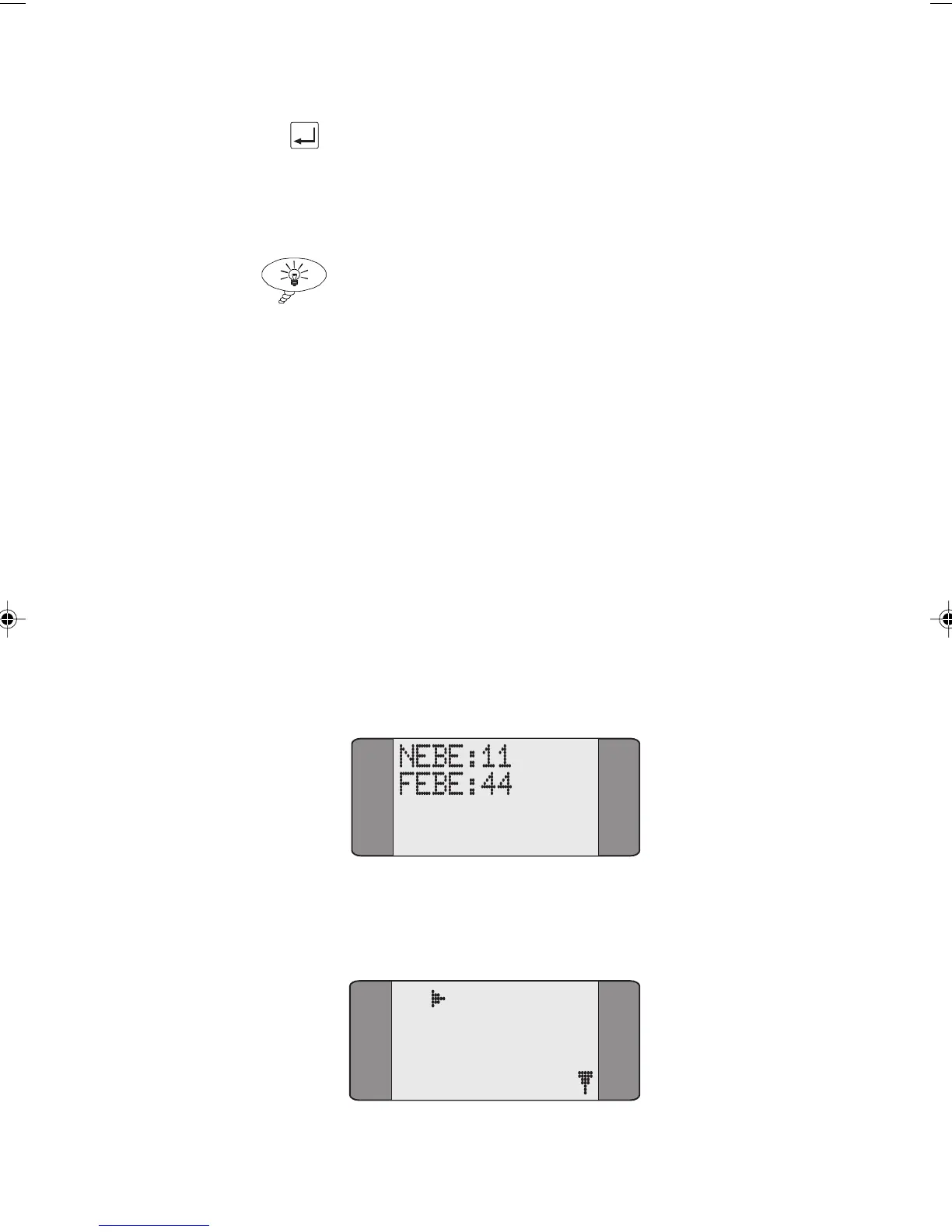
Press SHIFT+0.
If no call has been connected since you switched on
AuroraPlus, counts for NEBE and FEBE are displayed.
If a call is connected, or has been connected since you
switched on
AuroraPlus the following screen is displayed:
B1 CALL INFO
1 CPN
2 COL
3 CHARGE
Chap05.P65 01/05/01, 09:1333



 To Next Page