Trend AuroraPlus User Guide
8-2 429850
Analogue Setup
You can set the following parameters for analogue mode:
• Dial Mode (i.e. DTMF or Pulse)
• Speed Dial numbers
• Language for the user interface
• Loudspeaker volume setting
Choose
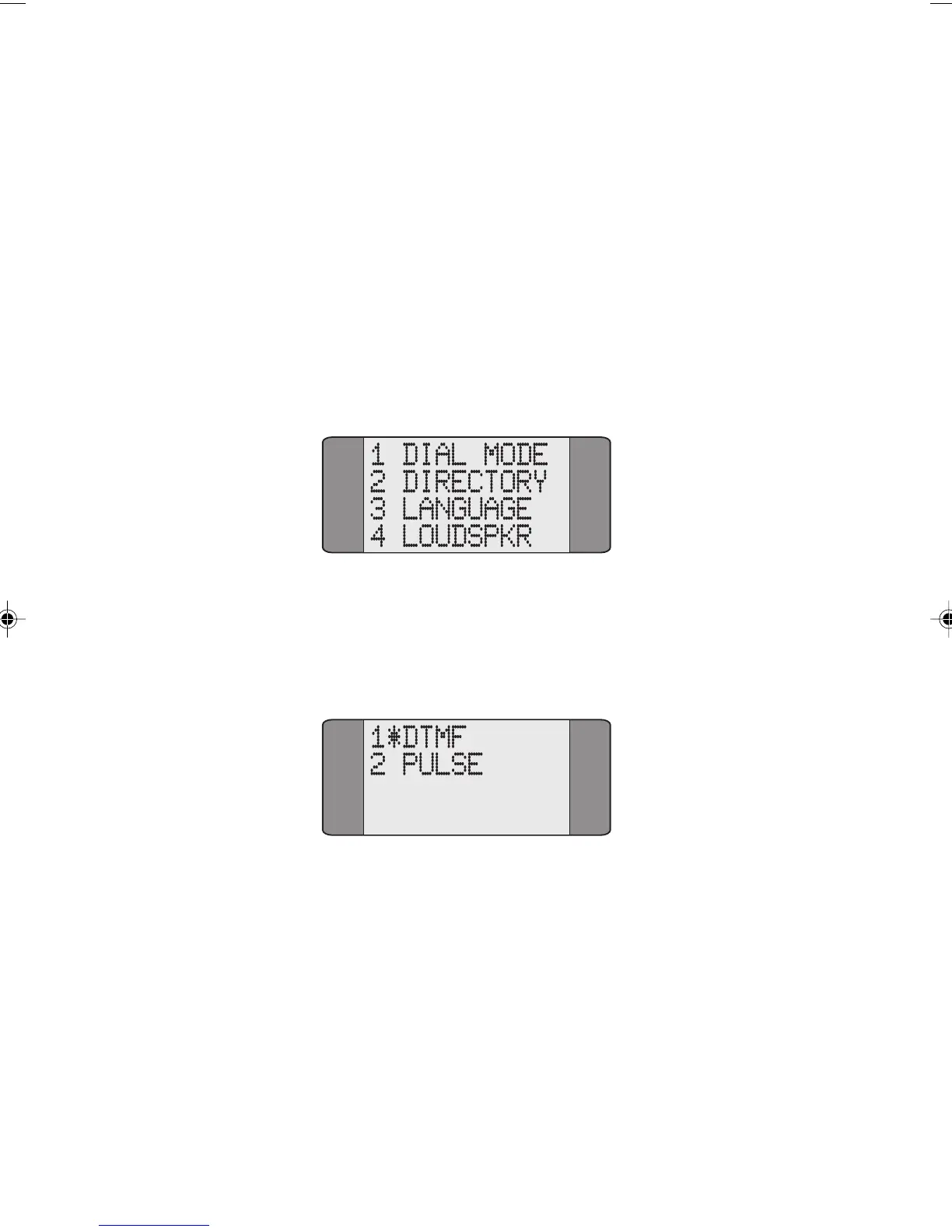
SETUP from the Analogue Main Menu to display the
following screen:
Setting the Dial Mode
To set the Dial Mode, choose DIAL MODE from the SETUP
Menu to display the following screen:
Select either DTMF or PULSE dialling. An asterisk (*) is
displayed against the current selection.
Storing Speed Dial Numbers
Choose DIRECTORY from the SETUP Menu. You enter and
save Speed Dial numbers in exactly the same way as for
ISDN. Please refer to the appropriate section in Chapter 3
for further information.
Chap08.P65 01/05/01, 09:162



 To Next Page