Trend AuroraPlus User Guide
5-2 429850
To set up the duration of the BERT, choose BERT.
For detailed information on choosing a custom duration see
Setting the BER Test Length in Chapter 3.
Press ENTER to return to the setup menu.
Running the Autotest
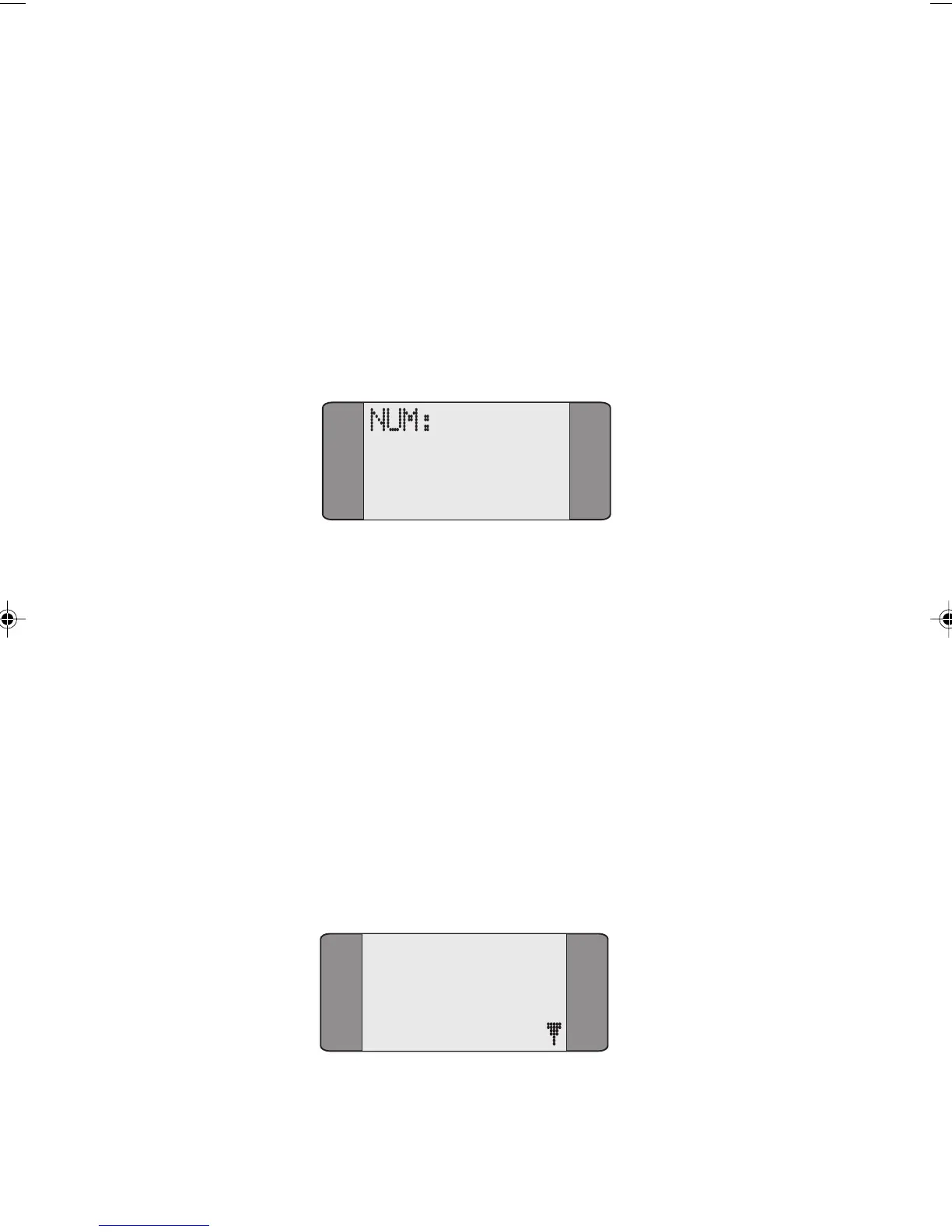
From the main menu choose AUTOTEST. A dial screen is
displayed:
Enter the number you want to connect to, then press
ENTER.
For the autotest to work this must be a self-call.
The tests you have selected are run. As the tests proceed the
results are displayed. When the tests have finished:
a tick (✔) indicates that the test was completed successfully,
not that the test was passed
a cross (X) indicates that the test was failed
a dash (-) indicates that the test was not chosen.
To display the test results press ENTER. The following menu
is displayed:
1
2 TRACER
3 SERVICE
4 TESTREPOR
BERT
Chap05.P65 01/05/01, 09:112



 To Next Page