Call Establishment
Issue 5 - 04/01 4-11
Retrieving the held call
First, press ENTER to clear down the second call.
Press SCROLL from the Call Status screen of the original
call to display further options.
Choose RETRIEVE to recover the held call.
Accepting an Incoming Call During an Existing Call
If a second call is received, during an existing call, AuroraPlus
beeps to indicate there is a call waiting. You can place the
current call on hold and answer the second call.
B1 CONNECT
3.1K
L1 L2 L3
Press SCROLL to display the Call Control Options. Choose
SUPP SVCS/HOLD - the existing call is placed on hold.
B1 HELD
SPEECH
L1 L2 L3
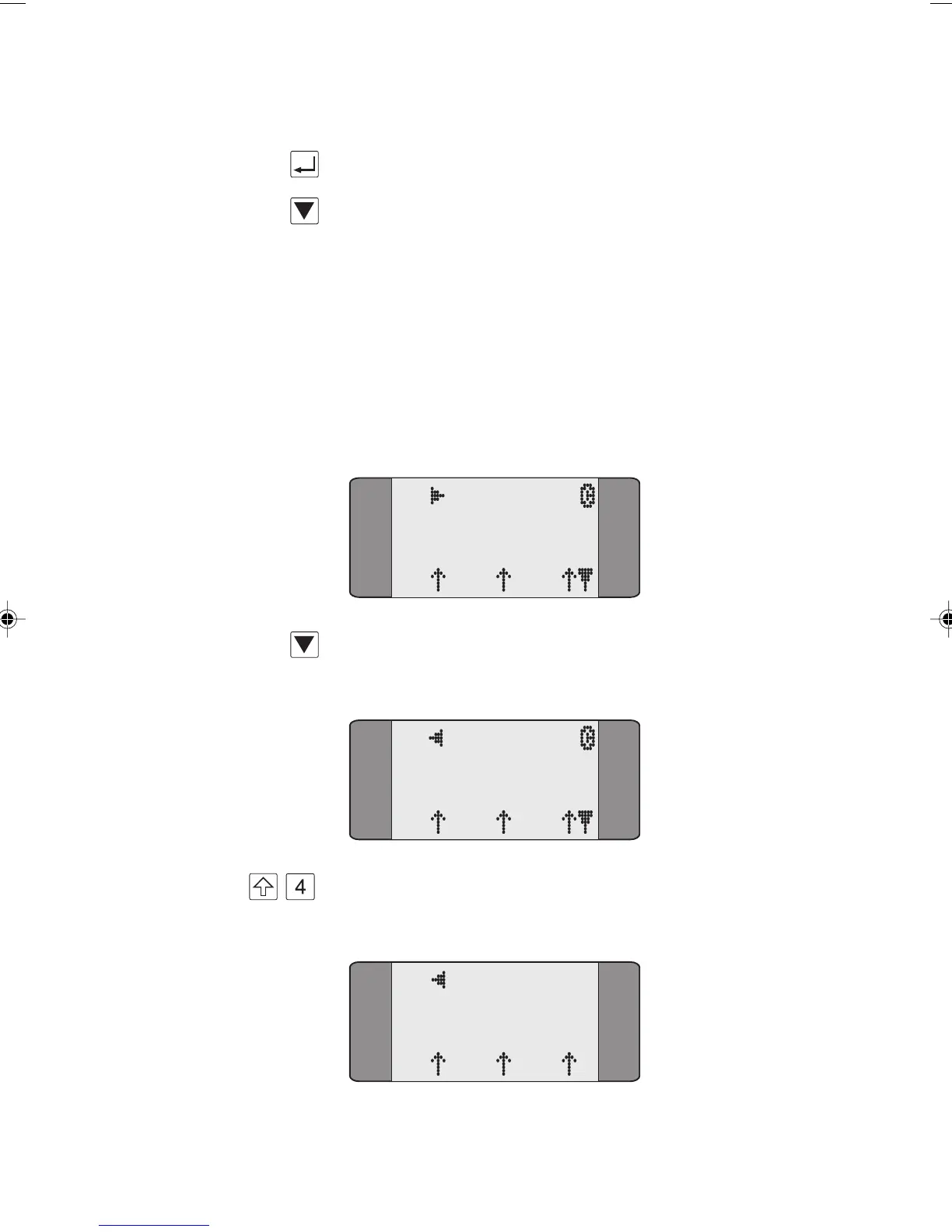
+ AuroraPlus rings to indicate the second call. Press SHIFT + 4
to display the Call Status screen for this call.
B2 CALL
3.1K
L1 L2 L3
Chap04s1.P65 30/04/01, 16:3311



 To Next Page