Trend AuroraPlus User Guide
4-44 429850
CCBS Error Messages
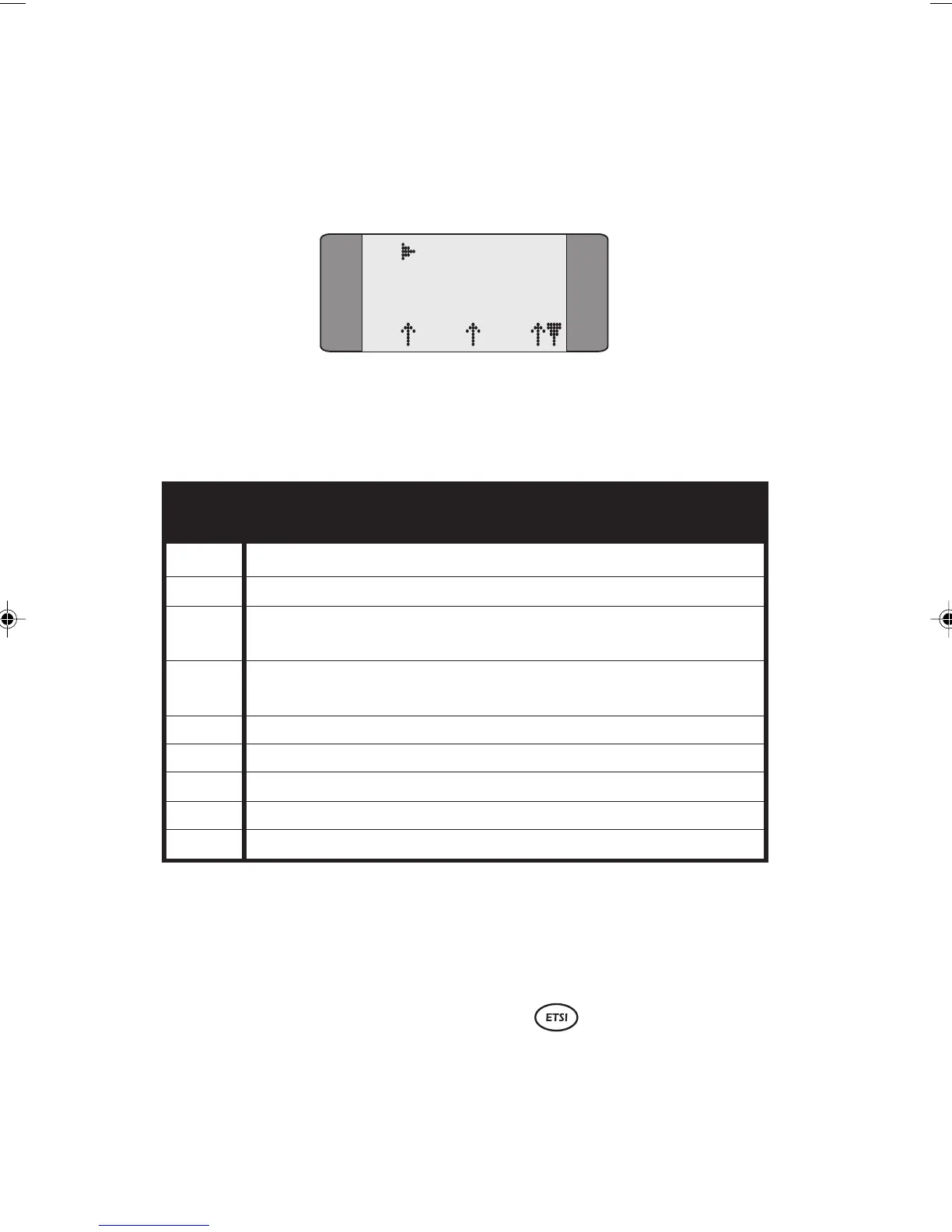
If the CCBS request is not successful a screen similar to the
following is displayed.
B1 CCBS Req
ErrorC 24
L1 L2 L3
Press SCROLL to display the full error message. See the
CCBS Errors table on the following page for more
information.
CCBS Errors
20 Invalid call linkage ID
21 Invalid call CCBS reference
22 Long term denial. For example, destination not
subscribed to basic service or non-CCBS network.
23 Short term denial. For example, destination
congestion or supplementary service interaction.
24 CCBS is already activated
25 Already accepted
26 Outgoing CCBS queue full
27 Call failure reason not busy
28 Not ready for call
CCBS Options Not Supported by AuroraPlus.
• Interrogation of CCBS requests.
• Status request procedures.
Suspending and Resuming a Call
When you have connected a call AuroraPlus enables you to
disconnect from the network, reconnect to a different
connection and resume the call.
Chap04s2.P65 30/04/01, 16:3844



 To Next Page