Trend AuroraPlus User Guide
2-12 429850
This screen displays the current protocol, line type and
interface settings and any voltage detected on the line. The
bottom line indicates the layer status.
Tip
You can switch the backlight on the display on and off using:
+
Displaying the Main Menu
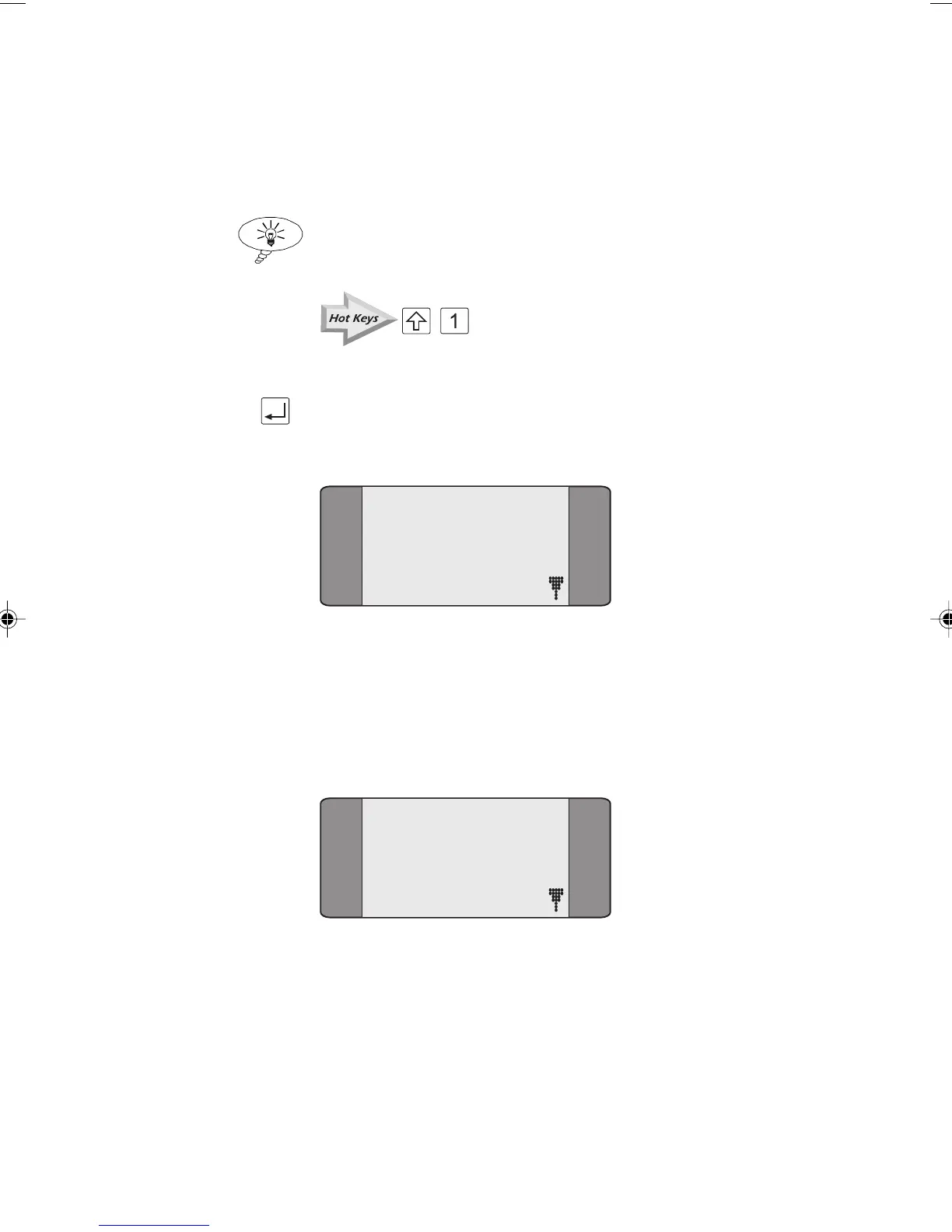
Press the ENTER key when the Idle screen is displayed. The
Main Menu is displayed:
1 CALLS
2 TESTS
3 AUTOTEST
4 RESULTS
Scrolling through Menu Pages
Menus which span over more than one page are indicated by
a down arrow symbol. For example, the Main Menu spans
over two pages:
1 CALLS
2 TESTS
3 AUTOTEST
4 RESULTS
Chap02.P65 30/04/01, 16:3012



 To Next Page