Testing on Analogue Lines with AuroraPlus
Issue 5 - 04/01 8-3
Setting Language & Loudspeaker Options
Choose either language or loudspkr from the SETUP Menu to
set the language or loudspeaker options. The setting of these
options is exactly the same as for ISDN. Please refer to the
appropriate sections in Chapter 3 for further information.
Answering Incoming Calls
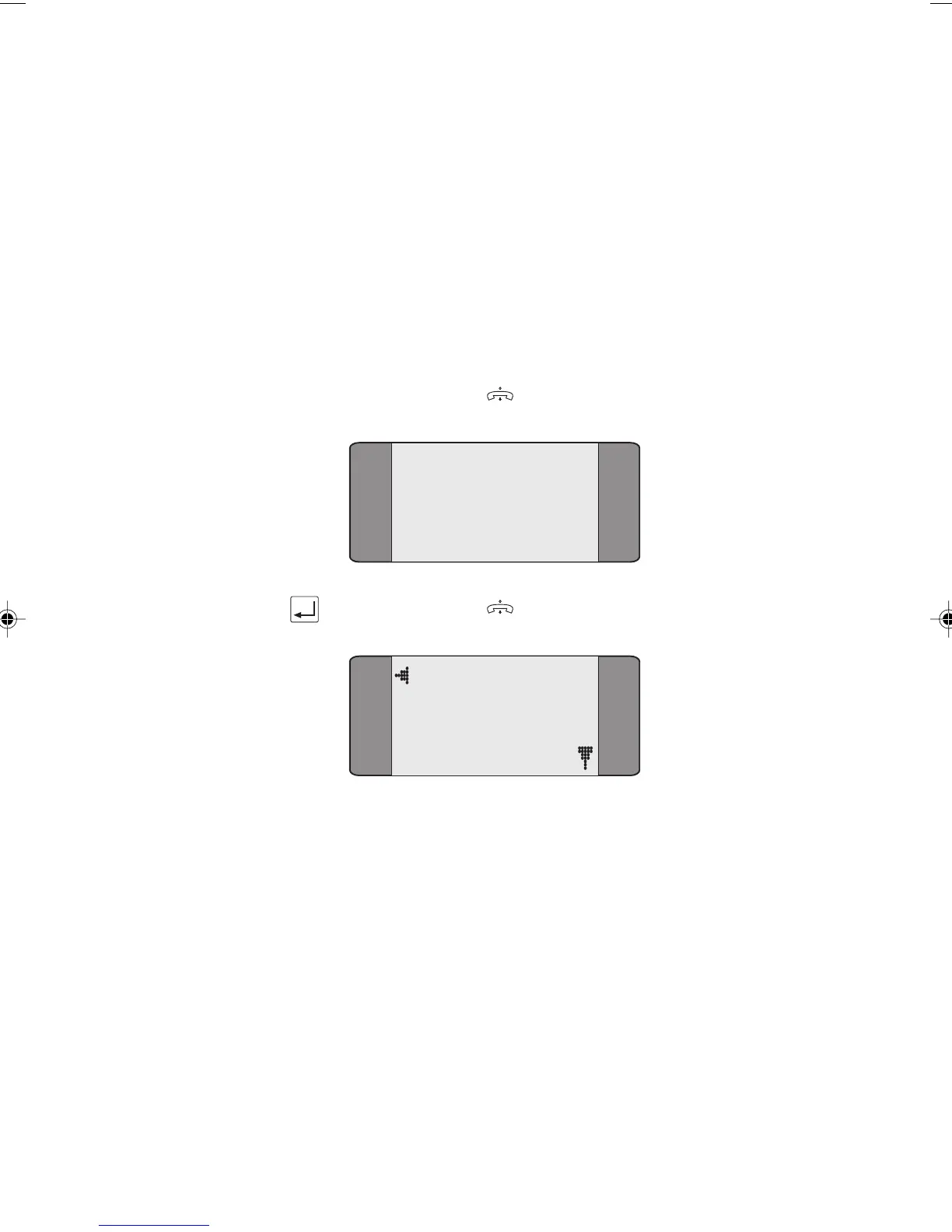
An incoming call is indicated by the ringer sounding. If
AuroraPlus is currently displaying the Analogue Main Menu,
press the ENTER (
) key.
ANALOGUE
RINGING
Press the ENTER ( ) key to accept the call.
Active
When the call is active, you can switch between DTMF and
Pulse dialling, or put the call on hold - for instructions, see
later in this chapter.
Chap08.P65 01/05/01, 09:163



 To Next Page