Call Establishment
Issue 5 - 04/01 4-1
Call Establishment
This chapter describes how to make and receive calls using
AuroraPlus. Also discussed is how to select an ISDN service
and bearer channel for calls and how to access the
supplementary services options.
Making a Call
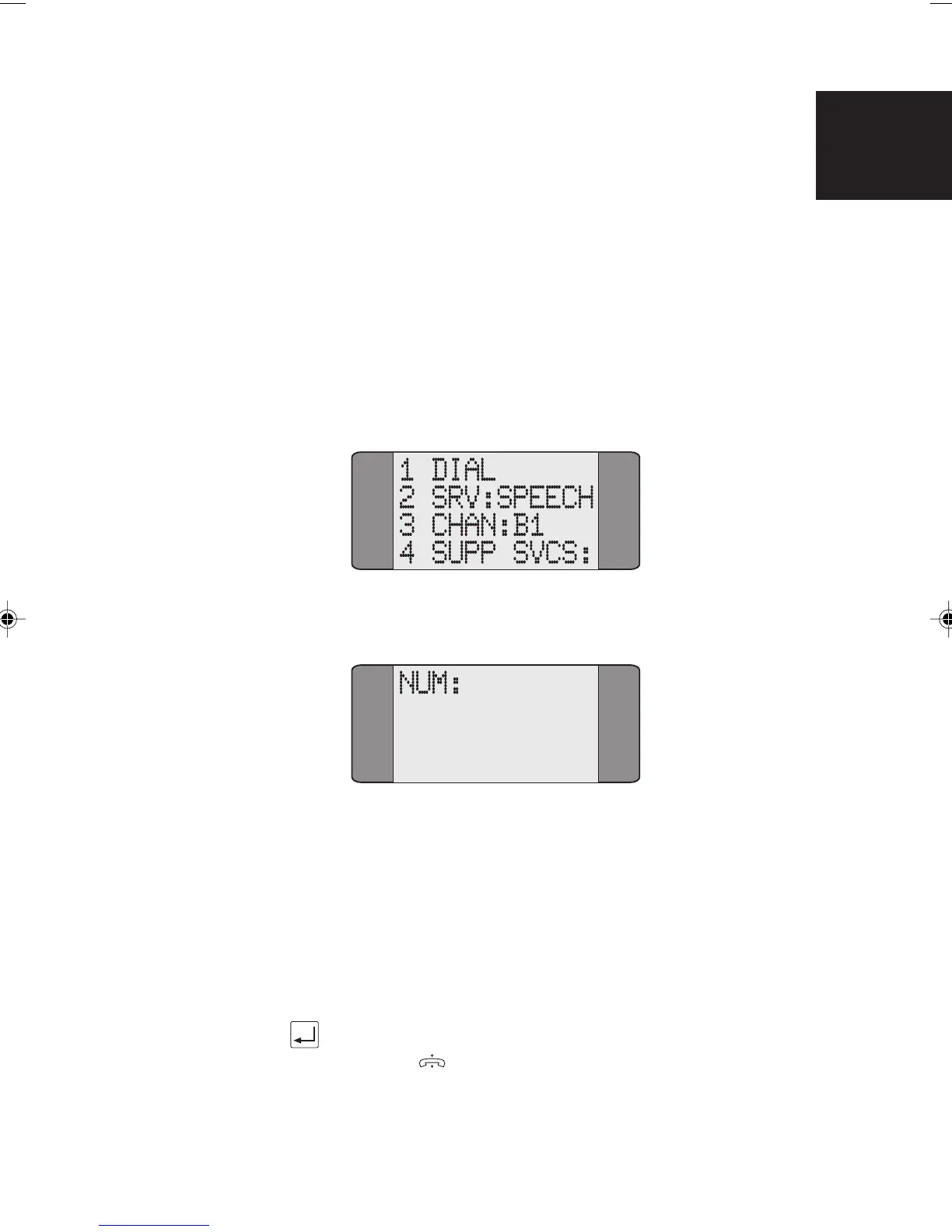
Choose CALLS from the Main Menu to display the following
screen:
Choose DIAL to display a dial screen.
Dialling
AuroraPlus can make calls in either the Overlap or En Bloc
dialling mode. En Bloc dialling involves entering the entire
number before it is sent. With Overlap dialling, digits are
sent as they are dialled.
En Bloc Dialling
Enter the entire number you want to dial and press the
ENTER (
) key.
4
Chap04s1.P65 30/04/01, 16:331



 To Next Page