Trend AuroraPlus User Guide
4-2 429850
If you make a mistake, press the CLEAR key to erase the last
digit entered.
Overlap Dialling
• Press the ENTER ( ) key before entering the CPN.
Note that the screen may display
PROCEEDING,
depending on the network.
• Enter the digits you want to dial.
Note
If the call is being established on a fixed link (no protocol),
or back to back with another tester it connects before any
digits are dialled.
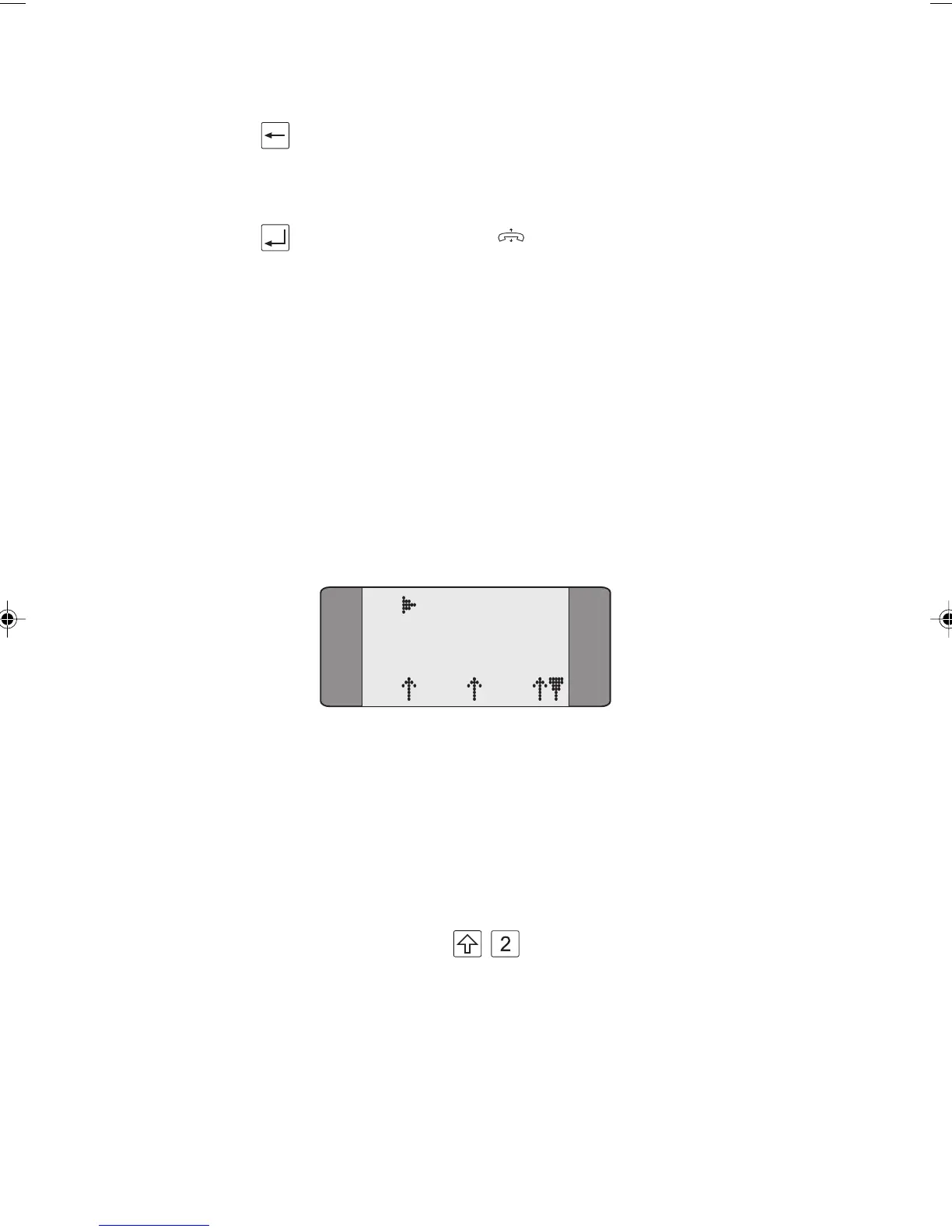
The call is initiated and
AuroraPlus displays a Call Status
screen, similar to the following:
B1 RINGBACK
SPEECH
L1 L2 L3
This shows the progress of the call, the number dialled, the
status of the layers and any messages received from the
network. For a speech call, the call progress tones are present
in either the earpiece or the loudspeaker.
When a speech call is connected, to switch on the
loudspeaker press
+ . If you make another call
without switching off
AuroraPlus the loudspeaker will be
automatically switched on for that call.
Chap04s1.P65 30/04/01, 16:332



 To Next Page