Call Establishment
Issue 5 - 04/01 4-41
Choose SUPP SVCS.
1 MCID
2 CCBS
3 UUS
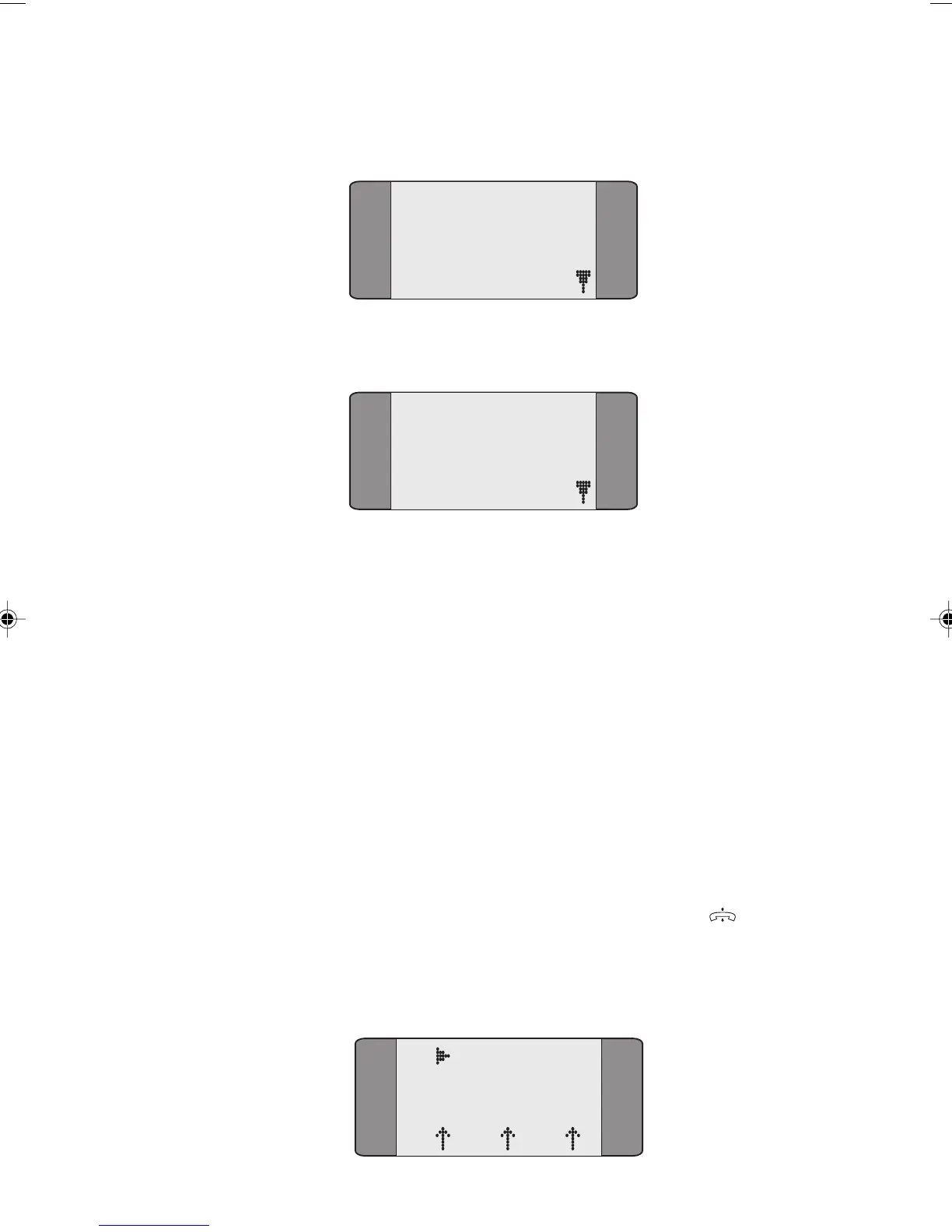
Choose CCBS to display the following screen:
1ON
2*OFF
If you choose ON, CCBS requests are made if the destination
is busy.
If you choose OFF, normal call clearing is used if the
destination is busy.
Note
When you switch AuroraPlus off, CCBS is set to OFF.
Making a Call with CCBS Enabled
Set up CCBS to ON (See Setting up CCBS).
From the Main Menu choose CALLS and select DIAL.
Enter the destination number and press ENTER (
).
If the number is busy the following screen is displayed when
the CCBS request has been sent.
B1 CCBS Req
SPEECH
L1 L2 L3
Chap04s2.P65 30/04/01, 16:3841



 To Next Page