Trend AuroraPlus User Guide
4-42 429850
When the CCBS request has been accepted and the CCBS
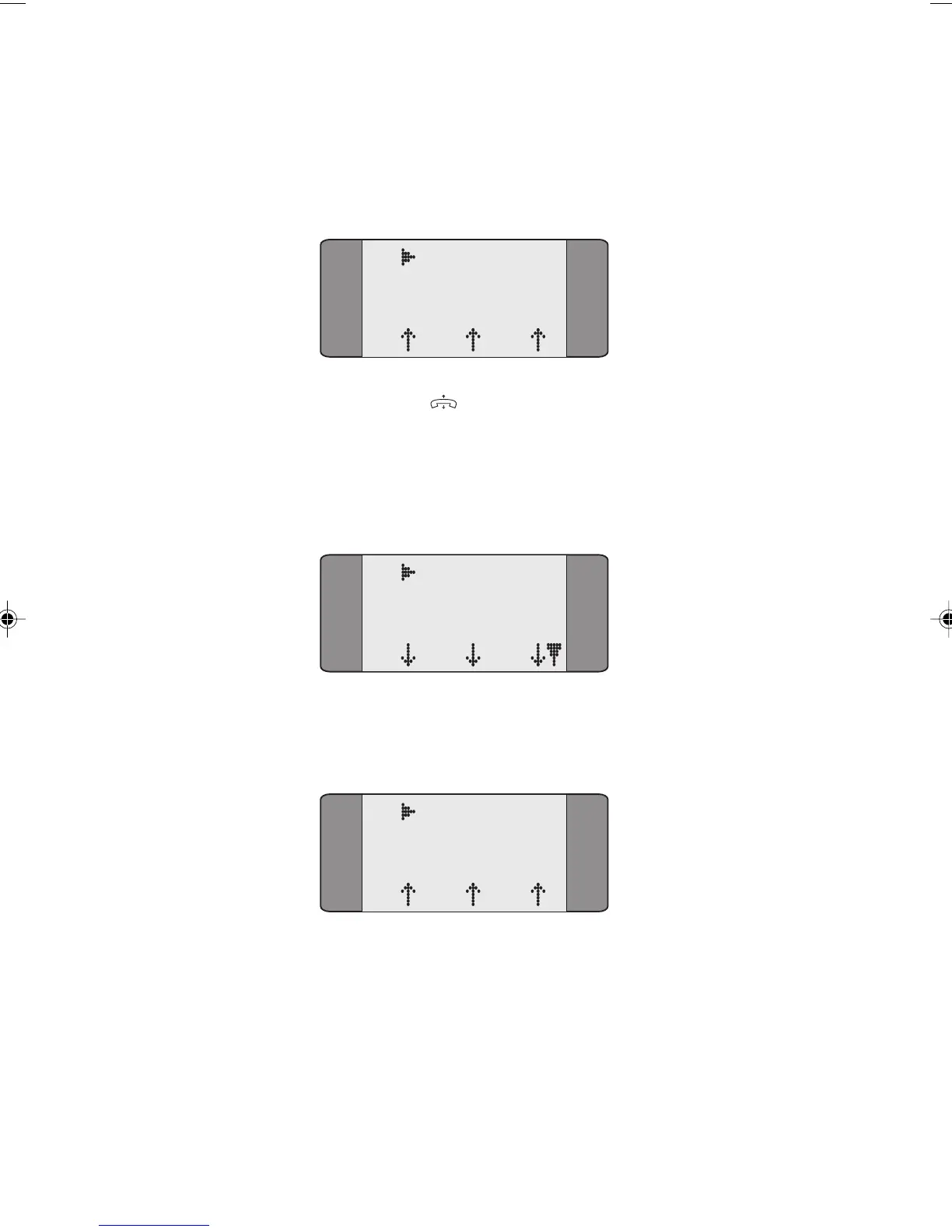
call is in the disconnect state, the following screen is
displayed.
B1 CCBS Disc
SPEECH
L1 L2 L3
Press ENTER ( ) to clear the busy call.
When the busy call has been cleared, the CCBS request has
been sent and the network has not yet called you back, the
following Idle State screen is displayed.
B1 CCBS Idle
SPEECH
L1 L2 L3
When the CCBS call is established, the progress of the call is
displayed as follows:
B1 RINGBACK
SPEECH
L1 L2 L3
Deactivating the CCBS request
You can only deactivate the CCBS request if:
• the busy call has been cleared
• the CCBS request has been sent
• the network is in the waiting state.
Chap04s2.P65 30/04/01, 16:3842



 To Next Page