Trend AuroraPlus User Guide
8-4 429850
Making Outgoing Calls
There are two ways in which you can dial a number for an
outgoing call:
• Overlap mode: digits are sent one at a time
• En bloc mode: all the digits you dial are sent together as
a group
Overlap Dialling
To dial in Overlap mode, select DIAL from the Analogue
Main Menu.
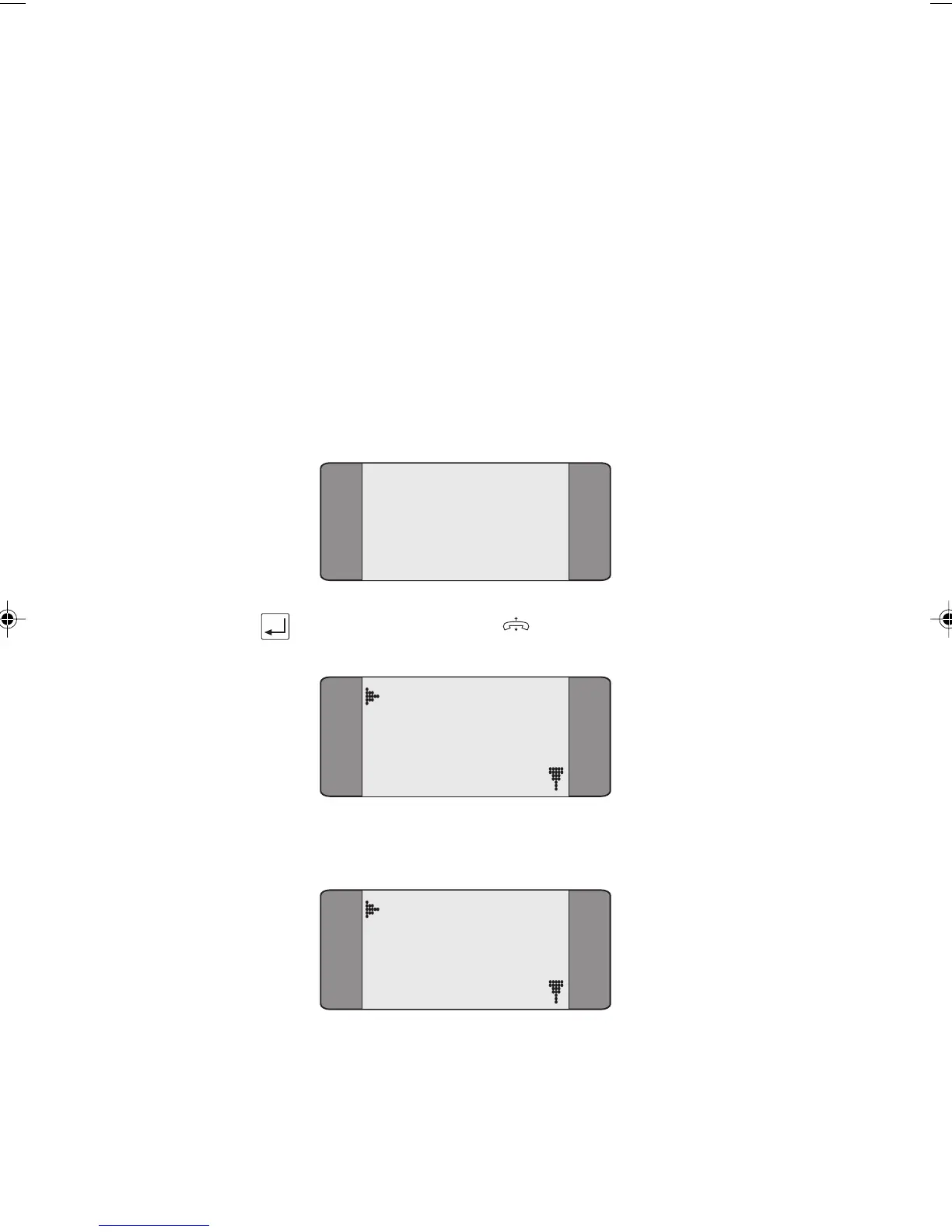
NUM:
Now press the ENTER ( ) key.
Active
DIAL CPN
Dial the number.
Active
12345678
Chap08.P65 01/05/01, 09:164



 To Next Page