Getting Started
Issue 5 - 04/01 2-3
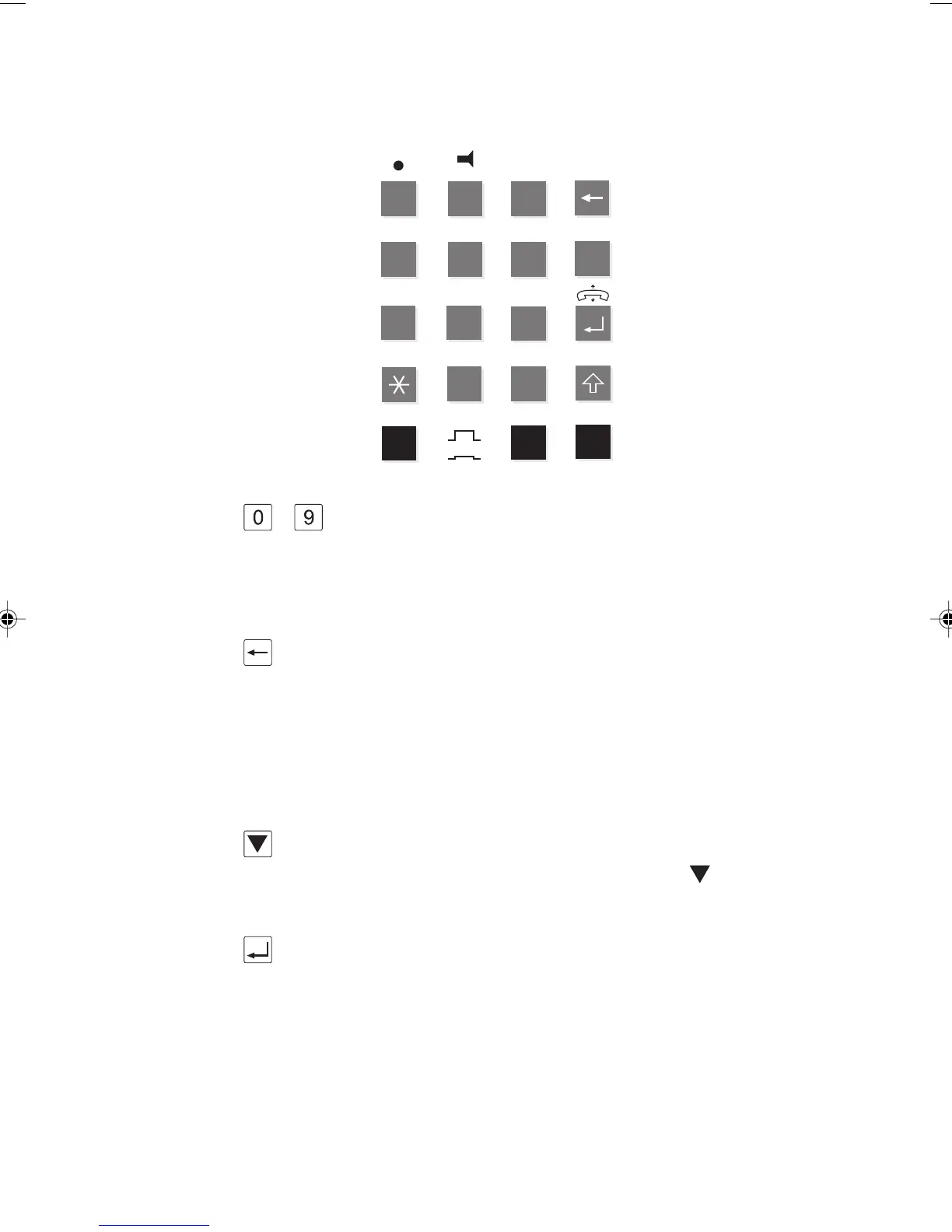
The Keypad
8
21 3
54 6
7
0
9
▲
#
CONFIGX.25 SERVICE
STATUSINFO
TERMPOTS CHK
OFF
ON
OFF S
ON U
S/U
HOMEABC
DEF
GHI
PQRS TUV
WXYZ
JKL MNO
B SEL
BERT
LOOP
... These are numeric keys for dialling digits and entering
numbers. Keys 0 to 9 can be used for dialling numbers,
entering codes and selecting functions. They form the keypad
of the
AuroraPlus.
Clear Key
In screens that allow you to enter a number (for example,
the Dial screen) this key deletes the most recently entered
digits that appear on the display. In all other screens, press
this key once to move up a level in the menu structure. Also,
use with the SHIFT key to return 'home' to the Main Menu.
Scroll Key
This is used to display more information when appears on
the screen.
Enter Key
This key is used to initiate or terminate a call. The ENTER
key can also be used for making selections.
Chap02.P65 30/04/01, 16:303



 To Next Page