Call Establishment
Issue 5 - 04/01 4-9
To answer the new call manually you must either clear the
original call or place it on hold. For details, refer to Placing a
Call on Hold and Clearing a Call, in this chapter.
Dealing with a third call
If there is an incoming call when both B Channels are in use
you can put one of the other calls on hold while you answer
the new incoming call. A new incoming call is indicated by a
'beep' in the earpiece or loudspeaker.
To answer the new incoming call:
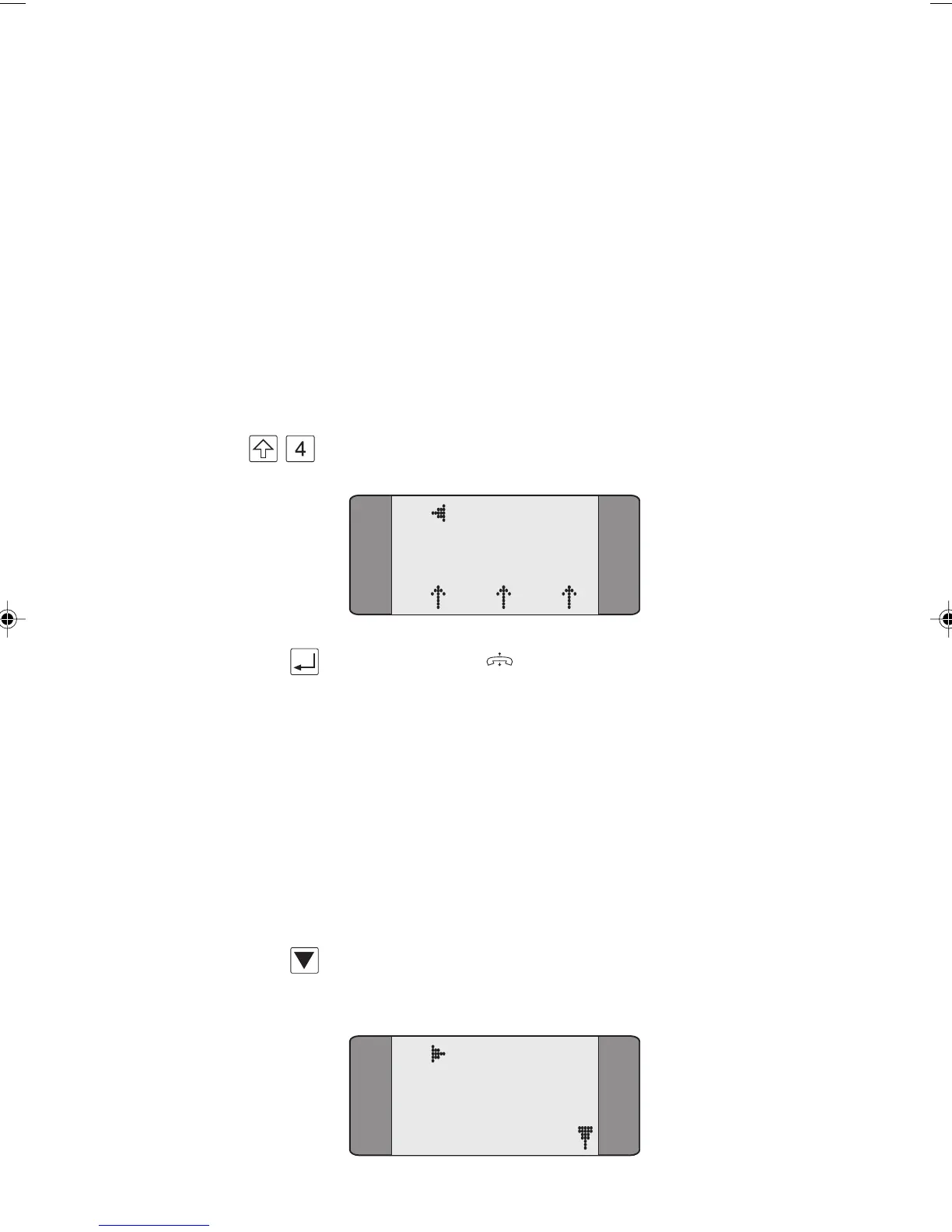
+ Move to the new incoming call by pressing SHIFT + 4.
B0 CALL
3.1K
L1 L2 L3
Press the ENTER ( ) key to answer the incoming call and
put the last active call on hold.
Placing a Call on Hold
During an existing call, you can either:
• put the current call on hold and make an outgoing call
or
• accept a second incoming call.
Making an Outgoing Call During an Existing Call
Press the SCROLL key from the Connected screen to display
the Call Control Options screen:
B1 CONNECT
1 BERT
2 LOOP
3 SUPP SVCS
Chap04s1.P65 30/04/01, 16:339



 To Next Page