Getting Started
Issue 5 - 04/01 2-13
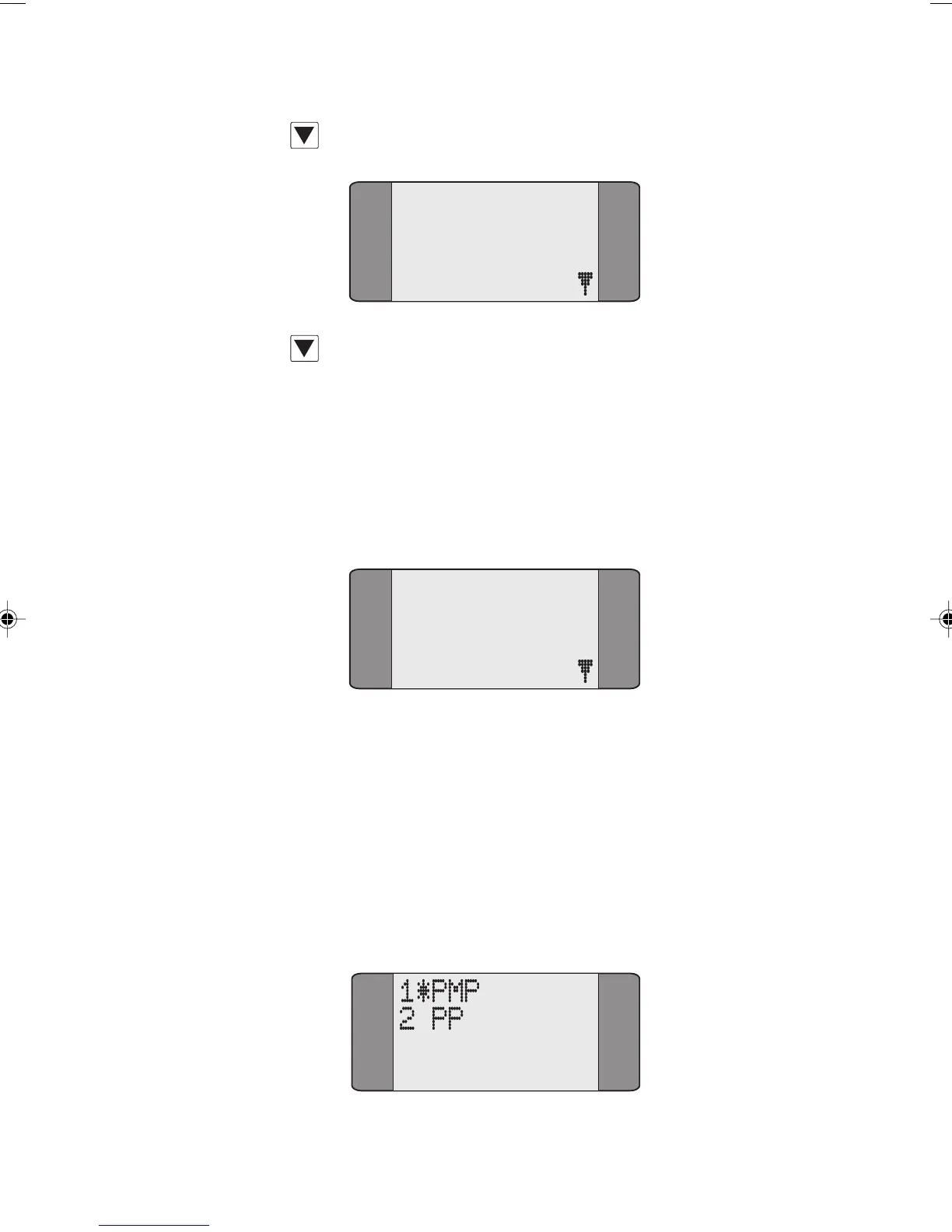
To display the second page, press the SCROLL key:
5 SETUP
Press SCROLL again to toggle back to the first page.
Selecting Menu Options
Each menu option has a number associated with it. To
choose an option, use the keypad to input the number
associated with it. For example, to choose CALLS from the
Main Menu, press 1.
1 CALLS
2 TESTS
3 AUTOTEST
4 RESULTS
Note
If you are selecting a service type, a two digit number is
required, e.g. '01' to select TEL-ISDN (speech with telephony
HLC).
AuroraPlus uses an asterisk (*) symbol to identify current
settings. For example, in the following Line Type screen PMP
is selected.
Chap02.P65 30/04/01, 16:3013



 To Next Page