Testing on Analogue Lines with AuroraPlus
Issue 5 - 04/01 8-1
Testing on Analogue Lines with
AuroraPlus
(Optional)
This chapter describes how to use AuroraPlus to make calls
and test on analogue networks. Also described is how to
perform a 40kHz Test to measure signal loss.
Note
Analogue is sometimes referred to as 'POTS' (Plain Old
Telephone Service).
Preparing Aurora Plus for Analogue Lines
• Set the ISDN ANALOG/POTS Switch to the
ANALOG/POTS
position.
• Place the S/U Switch in the DOWN position.
• Switch
AuroraPlus off and on, using the
CHARGE/BAT Switch, to re-initialise the unit and
apply the settings.
• Connect the two 4mm 'banana' plugs to the line
directly or via the 'crocodile' clips supplied.
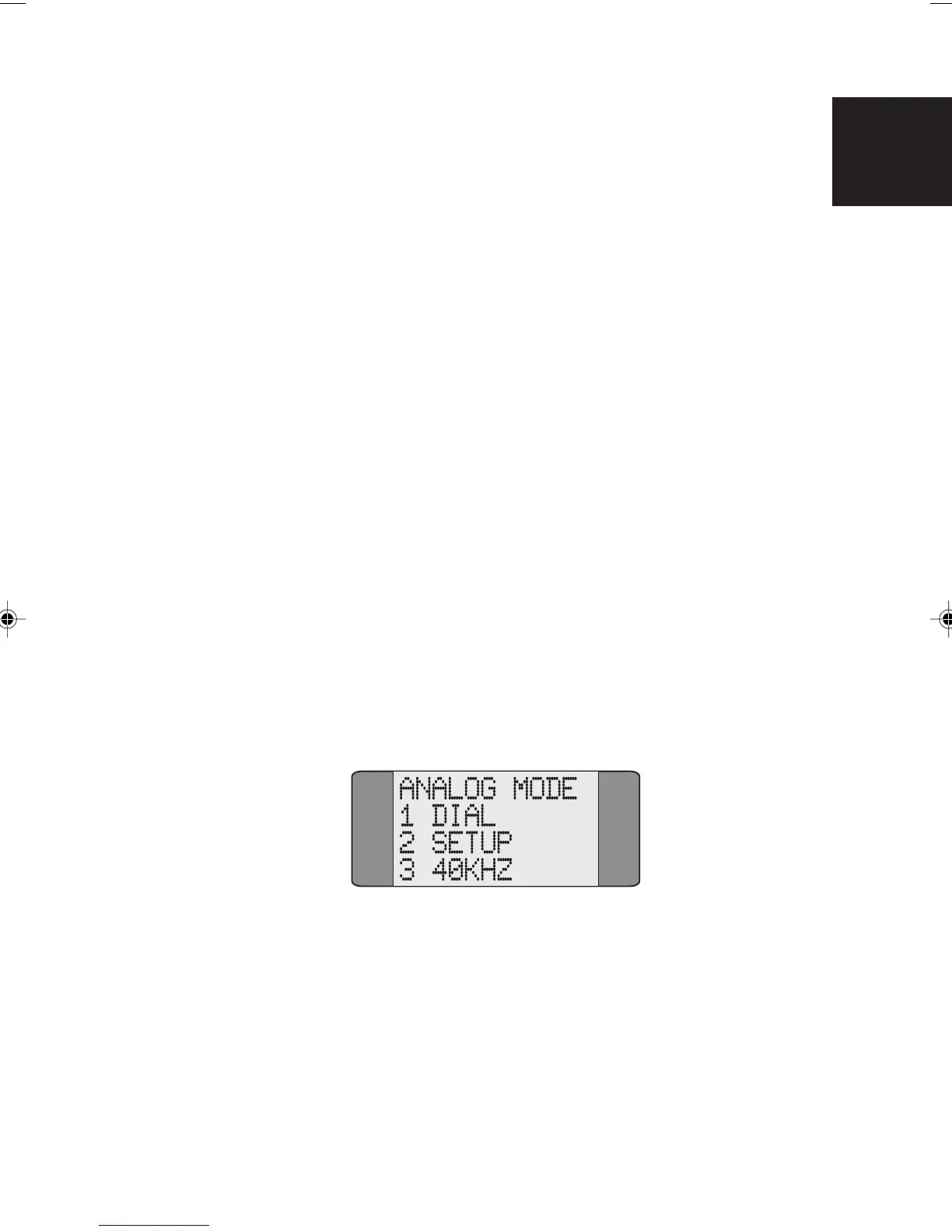
The Analogue Main Menu is displayed:
Note
This menu is shown only when you have purchased the
analogue feature for your
AuroraPlus. On battery units which
do not have analogue testing ability, when you select
analogue mode the 40kHz Generation Test screen is
displayed. For details, see later in this chapter.
8
Chap08.P65 01/05/01, 09:161



 To Next Page