Setting up your AuroraPlus
Issue 5 - 04/01 3-5
Call Screening
AuroraPlus lets you set screening options for incoming calls.
When enabled, screening allows only incoming calls with a
specified Called Party Number (CPN) or Calling Line Identity
(CLI). You can store one CPN and one CLI number for Call
Screening.
For example, if your number is 123456 you may wish to enter
a
CPN SCRN of 12345. This ensures that only incoming calls
with these first five digits are accepted.
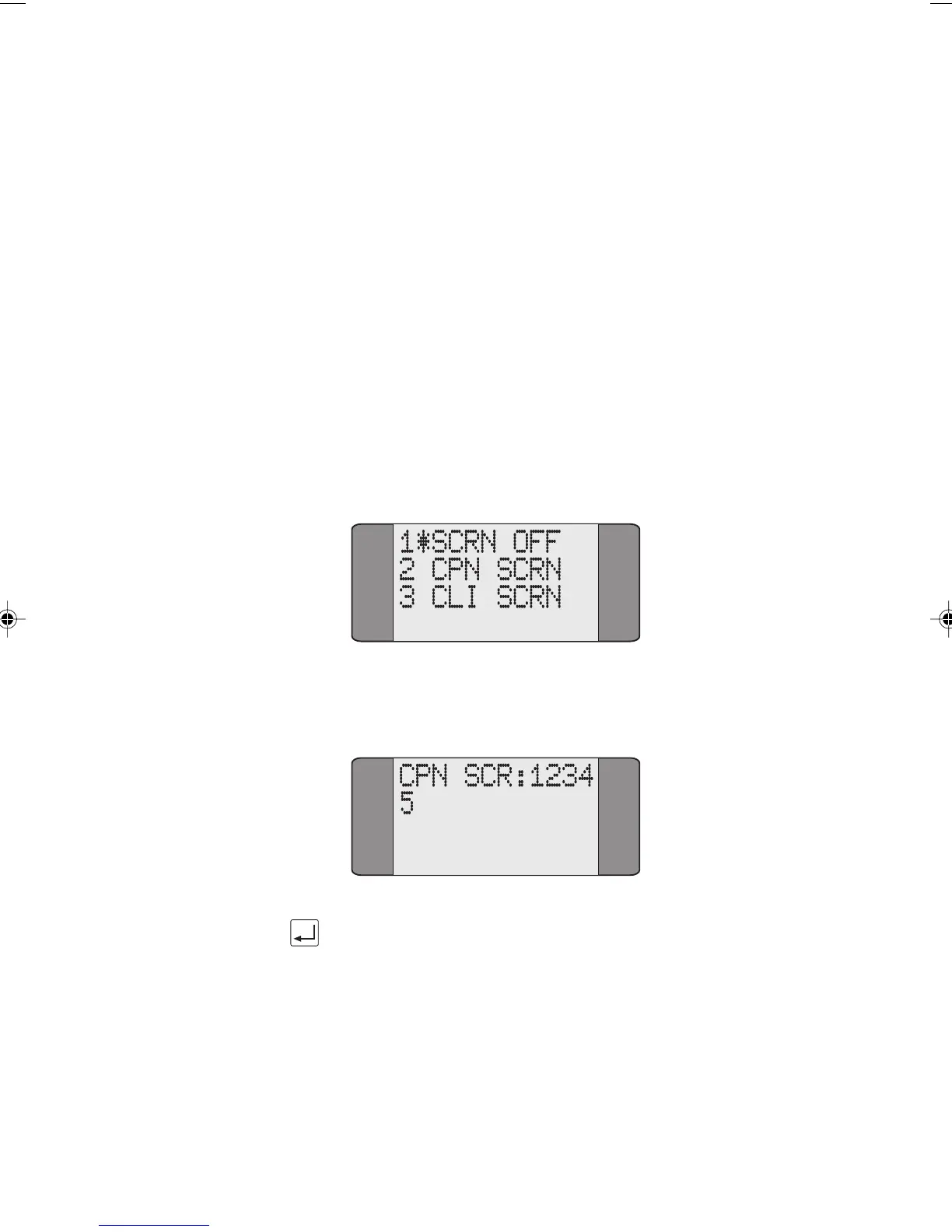
Choose ISDN from the Setup menu.
Select
CALL SCRN.
Choose either CPN SCRN or CLI SCRN. An asterisk is displayed
against your last selection.
Input the new number (this overwrites any existing values) and
press ENTER to save it.
Chap03.P65 30/04/01, 16:315



 To Next Page