Trend AuroraPlus User Guide
5-4 429850
Choose CONFIG.
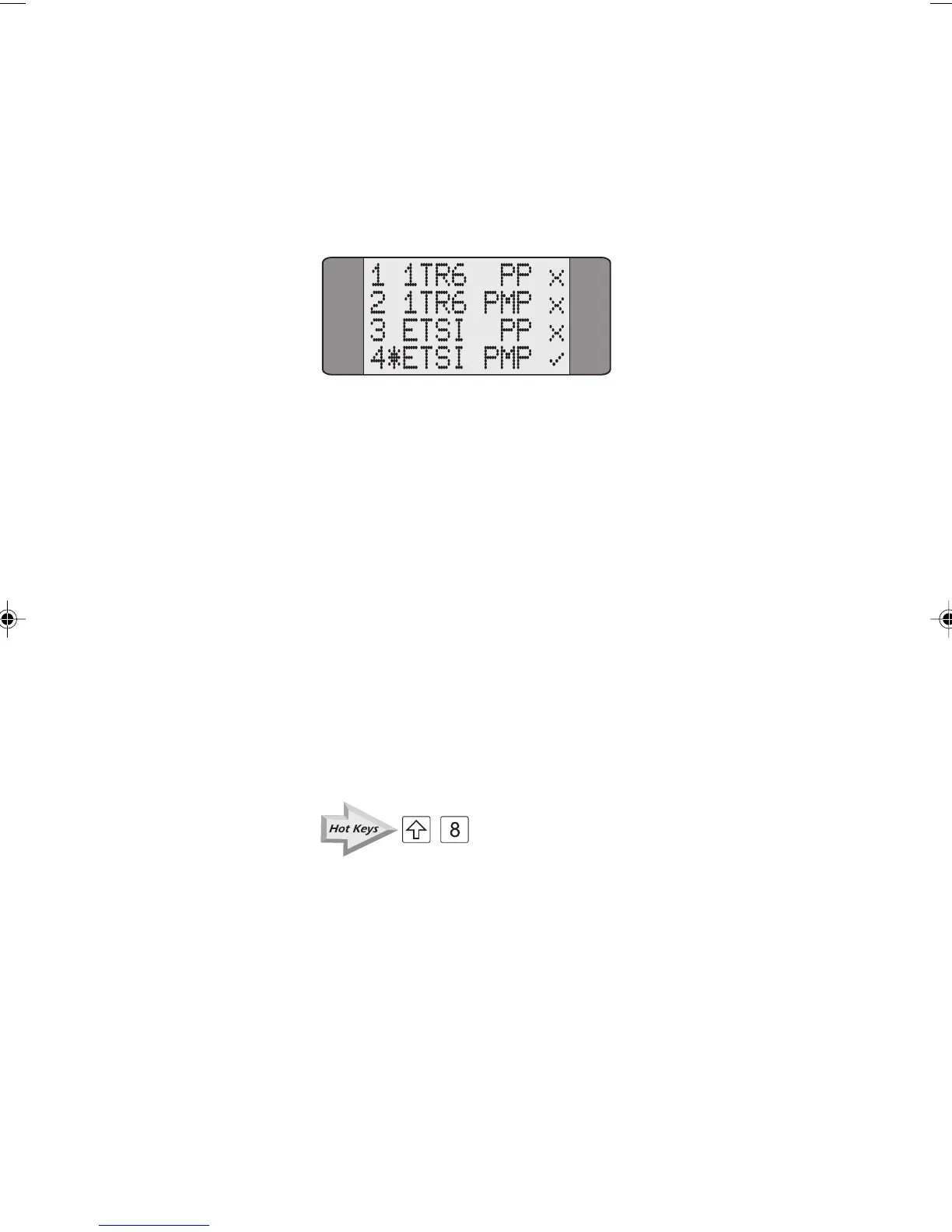
AuroraPlus checks the line and displays a results screen similar
to the following:
A tick (✔) is displayed against valid configurations for the
line. A cross (
✘ ) is displayed against invalid configurations.
If any protocol tested passes the configuration test with a
Point-to-Point line type, the Point-to-Multipoint test is not
performed and ? is displayed on the screen.
Automatically configuring the line under test
To automatically configure AuroraPlus, key in the number
associated with a valid configuration. Using the example
above, you could input 4 to automatically configure
AuroraPlus for ETSI Point-to-Multipoint.
Service Check: Determining Available Services
+
The Service Check determines the ISDN services subscribed
to on the line under test, and tells you which ones are
available.
You can perform a Local or a Remote Service Check:
Local Service Check This tests the acceptance of calls
at the device
AuroraPlus is
connected to - for example, your
local exchange.
Chap05.P65 01/05/01, 09:114



 To Next Page