Trend AuroraPlus User Guide
5-26 429850
To exit from this screen, enter a code of 99.
Upgrading AuroraPlus Software
This Self Test facility enables the software in Flash Memory
to be checked and downloaded from an external source, such
as a PC. To perform these operations, you need to install the
TrendSend file transfer application on the PC. This Windows
application is available from www.trendcomms.com.
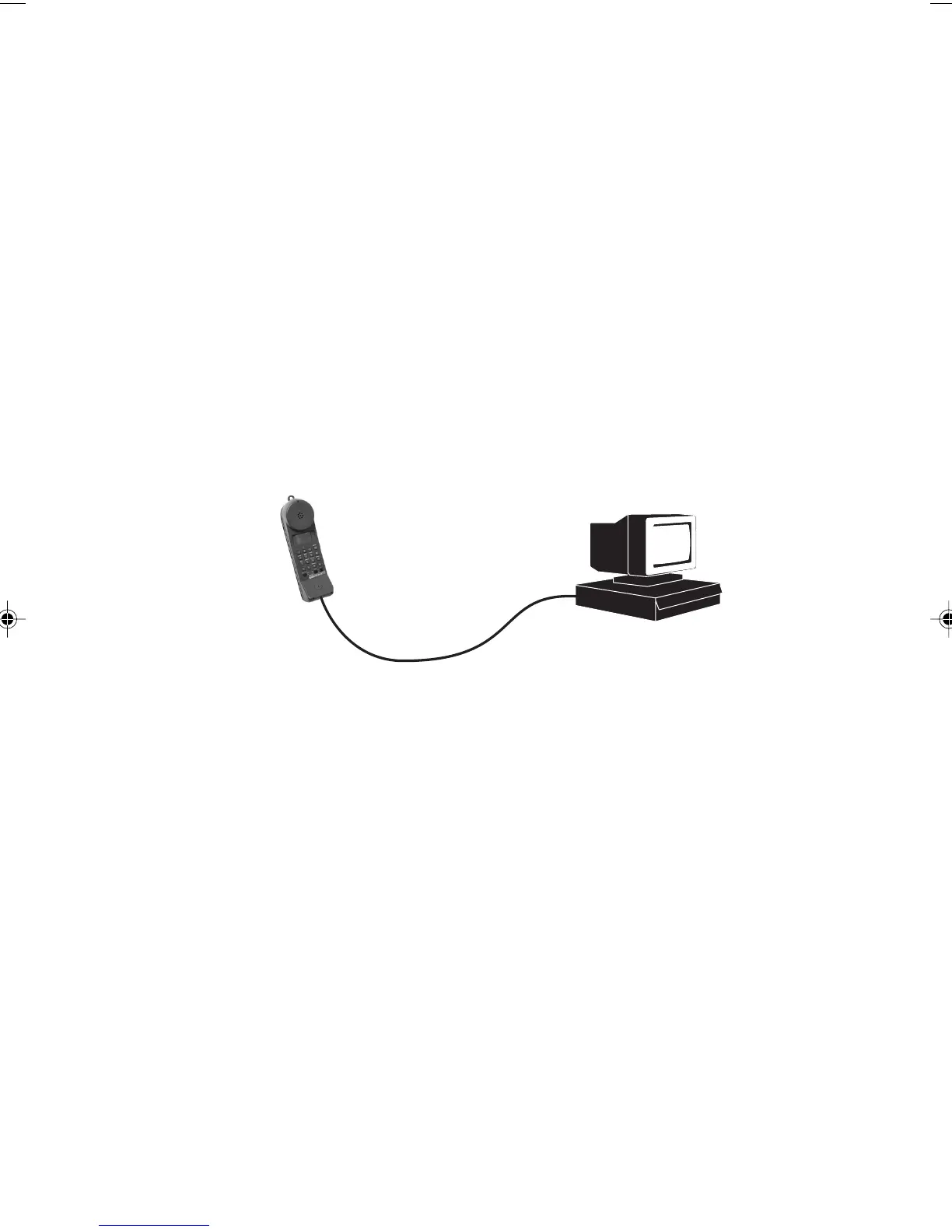
Connecting AuroraPlus to the PC
Connect AuroraPlus to the PC using the supplied serial cable.
Serial Cable
PC Running TrendSend
AuroraPlus
Ensure AuroraPlus has an adequate power supply and then
switch it off.
Start the TrendSend application on the PC.
Display the
Configuration menu and choose Unit.
Choose
AuroraPlus and if the download type list box is
displayed choose
binary, then choose OK.
To set a different serial port on the PC, display the
Configuration menu and choose Comm, choose the com port
you want to use, then choose
OK.
Chap05.P65 01/05/01, 09:1326



 To Next Page