Call Establishment
Issue 5 - 04/01 4-5
The DTMF tone is sent as you enter each digit. Digits are
deleted from the beginning of the display if you enter more
than 35 digits. If you continue to add more digits the new
digits are added to the end of the display.
If you want to delete all the digits displayed, press CLEAR.
Press SCROLL and choose EXIT to return to the CONNECT
menu.
Clearing a Call
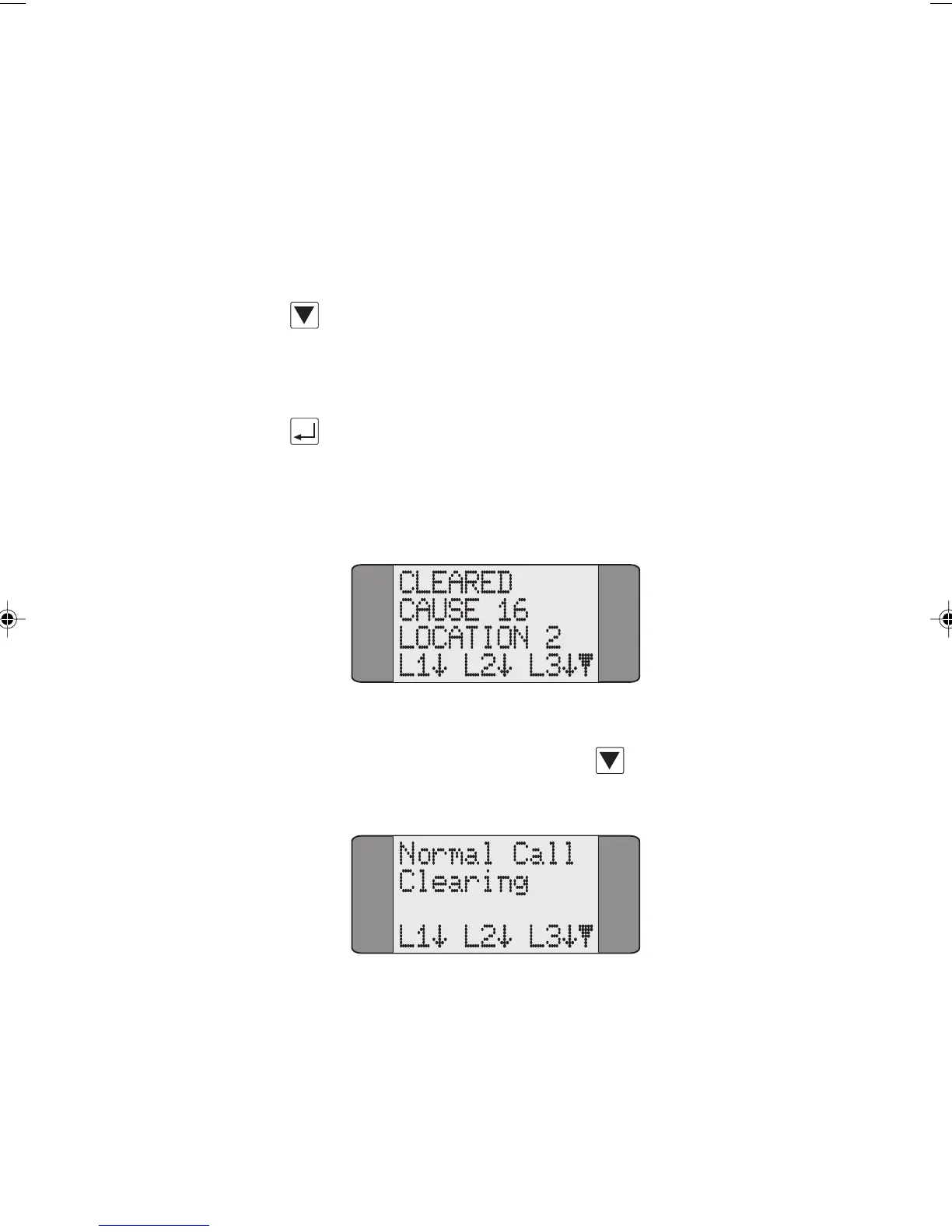
Press ENTER to clear a call. AuroraPlus displays a Released (if
cleared remotely) or
Cleared screen similar to the one shown
below. This displays the Call Clearing Cause Code, the
location and Layer Status information.
To display an explanation of the various Cause Codes and
locations, press the SCROLL key
. For further
information, see Appendix 4 Call Clearing Cause Codes.
Chap04s1.P65 30/04/01, 16:335



 To Next Page