X.25 Calls
Issue 5 - 04/01 6-1
X.25 Calls
This chapter provides operating instructions for X.25
Generic Packet Mode Support provided by the
AuroraPlus.
The
AuroraPlus supports incoming and outgoing X.25 packet
switched calls, for test purposes, over the D channels of the
ETSI ISDN Basic Rate interfaces. When you use
AuroraPlus to
make a X.25 call it acts as the DTE (Data Terminal
Equipment).
What is D-channel X.25 ?
This is an X.25 protocol with access to ISDN virtual circuit
services on the D-channel. A call is made to the remote
equipment using the D-channel. Because the amount of
ISDN signalling data is very low, both the ISDN signalling
data and the X.25 packet data can be multiplexed on the
same D-channel.
Setting up an X.25 call
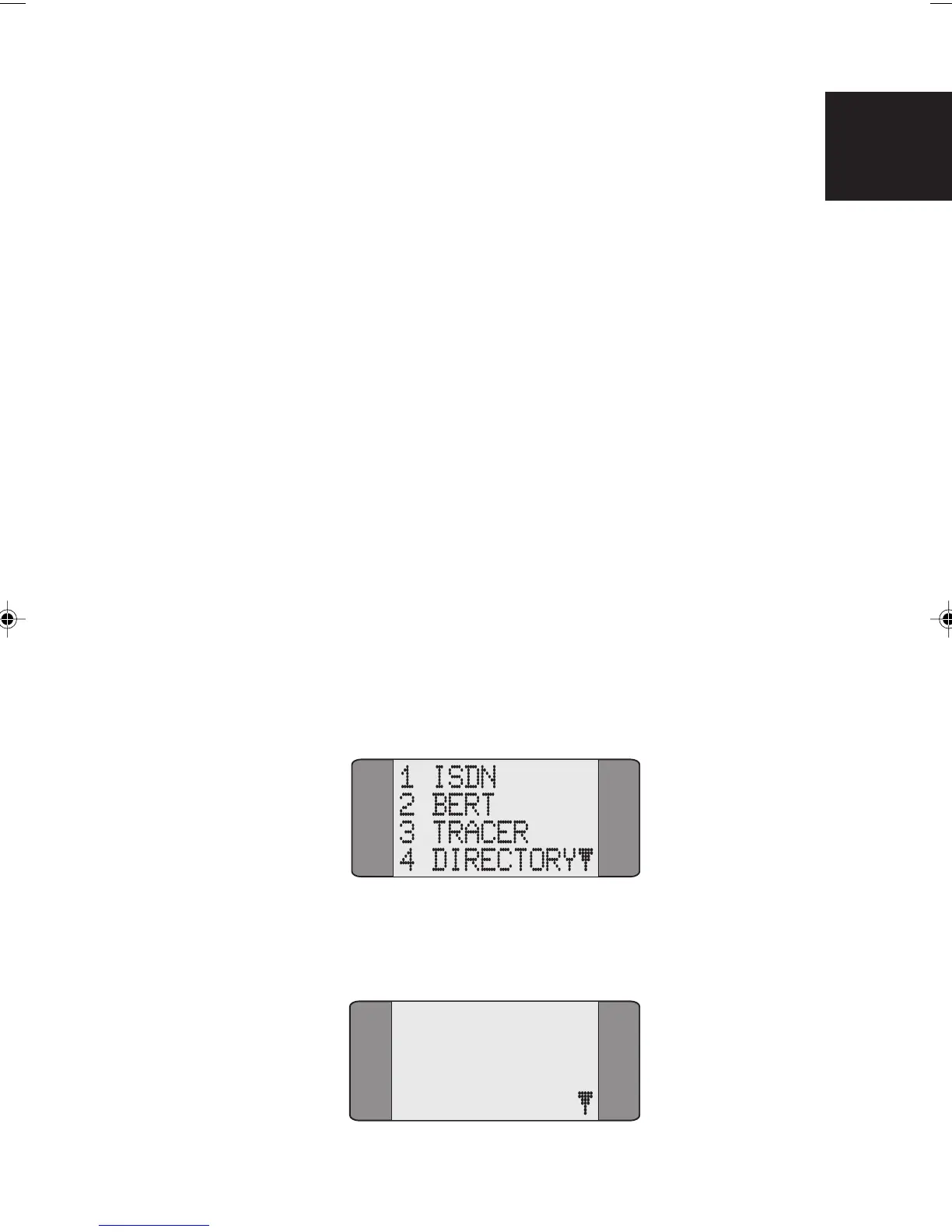
From the Main Menu, choose SETUP:
Choose ISDN from the Setup Menu to display the following
screen:
1 PROTOCOL
2 LINE TYPE
3 LOOP
4 CALL SCRN
6
Chap06.P65 01/05/01, 09:141



 To Next Page