Trend AuroraPlus User Guide
6-2 429850
Use the SCROLL key to display the second page of ISDN
options.
5 ADDRESS
6 MCID
7 X.25
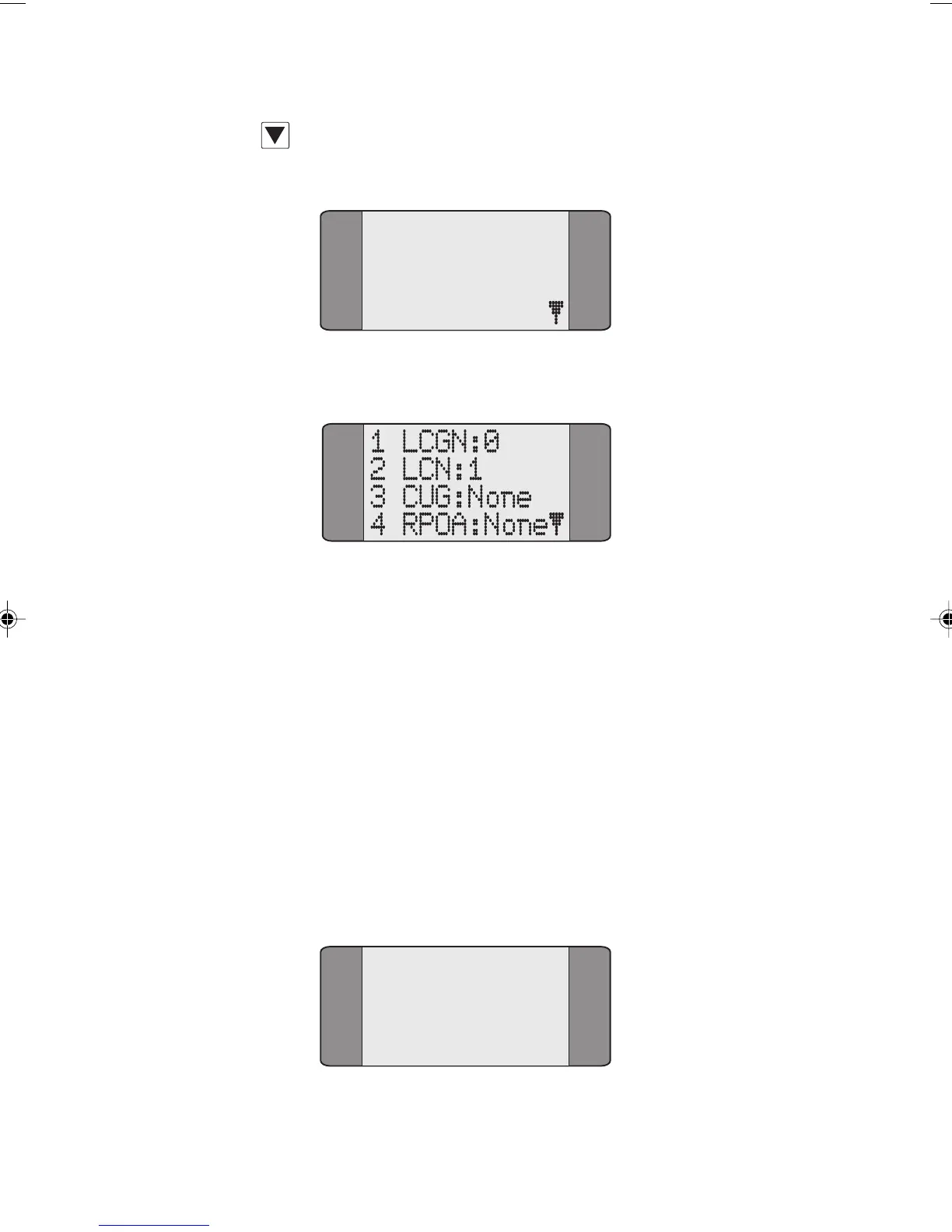
Choose the X.25 option.
Entering the X.25 address (LCGN & LCN)
X.25 uses a 12 bit address, which is made up of:
• an 8 bit Logical Channel Number (LCN) between 0
and 255
• a 4 bit Logical Channel Group Number (LCGN)
between 0 and 15.
The LCGN and LCN are set up using different menu items.
To set the LGCN:
Choose LCGN from the X.25 menu to change the Logical
Channel Group Number. The following screen is displayed:
LCGN:0
0..15
Chap06.P65 01/05/01, 09:142



 To Next Page