Trend AuroraPlus User Guide
3-14 429850
Storing Speed Dialling Numbers
Speed Dialling lets you recall and dial previously stored
numbers from
AuroraPlus's memory. Up to five numbers
(numbers 0 to 4) may be stored - these may be numbers you
use regularly during testing. For details on how to make calls
using Speed Dialling, please refer to Speed Dialling in
Chapter 4.
Note
You can only use speed dial numbers when AuroraPlus is
operating in En-Bloc dialling mode.
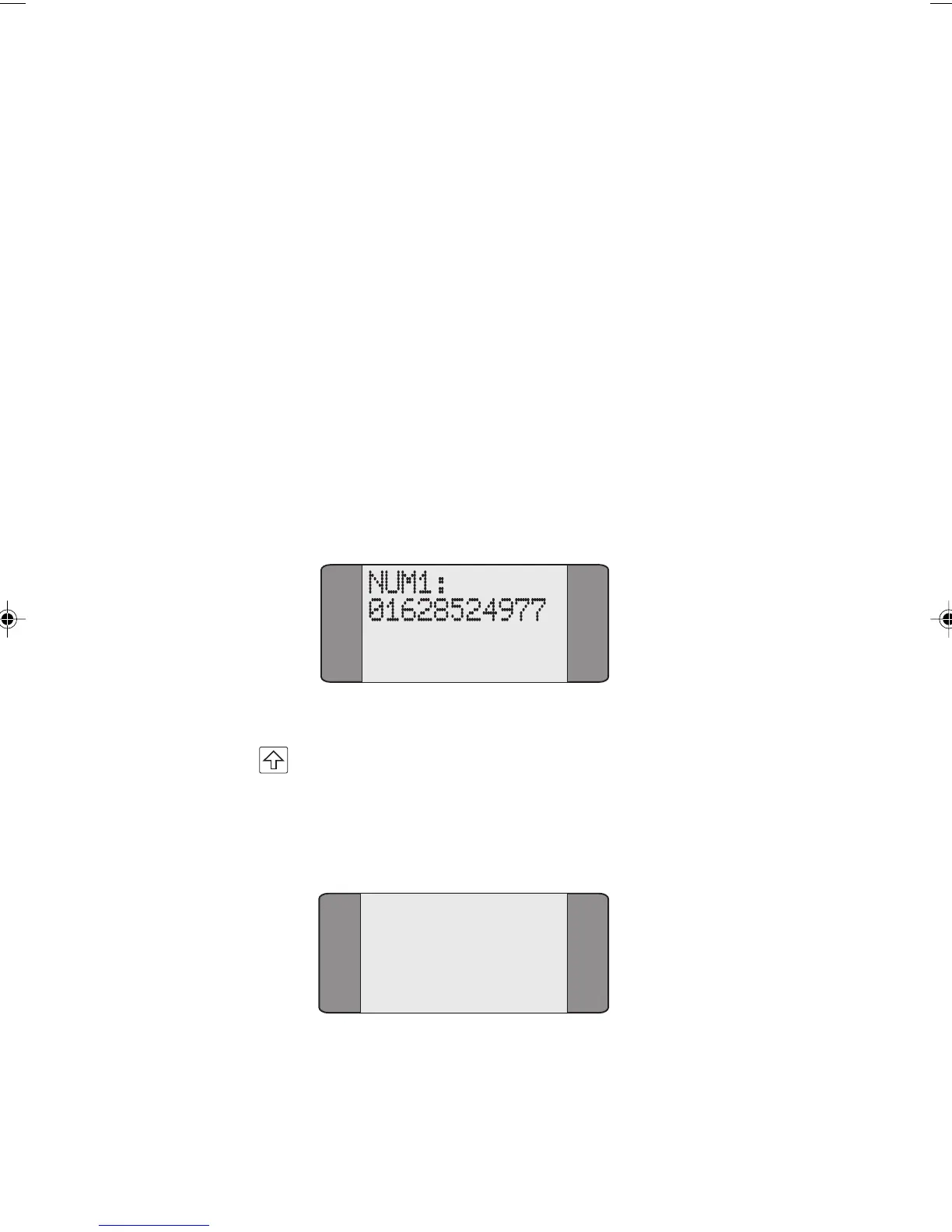
Choose DIRECTORY from the General menu to display the
following Speed Dial Screen. By default,
AuroraPlus displays
the contents of the first memory location.
Displaying a Different Memory Location
Press the SHIFT key followed by the appropriate number
key to select a different memory location. For example, to
select memory location 2, press SHIFT and 2. The following
screen is displayed:
NUM2:
0158065118
Chap03.P65 30/04/01, 16:3214



 To Next Page