Trend AuroraPlus User Guide
4-14 429850
• You must input two digits when selecting a service
type. For example, 01 for
TEL-ISDN.
Setting up a User-Defined Bearer Service
The user-defined Bearer Service enables you to define the
Bearer Capability, Low Layer Capability and High Level
Capability information elements sent in the SETUP message
at the start of a call.
To set up the Bearer Service:
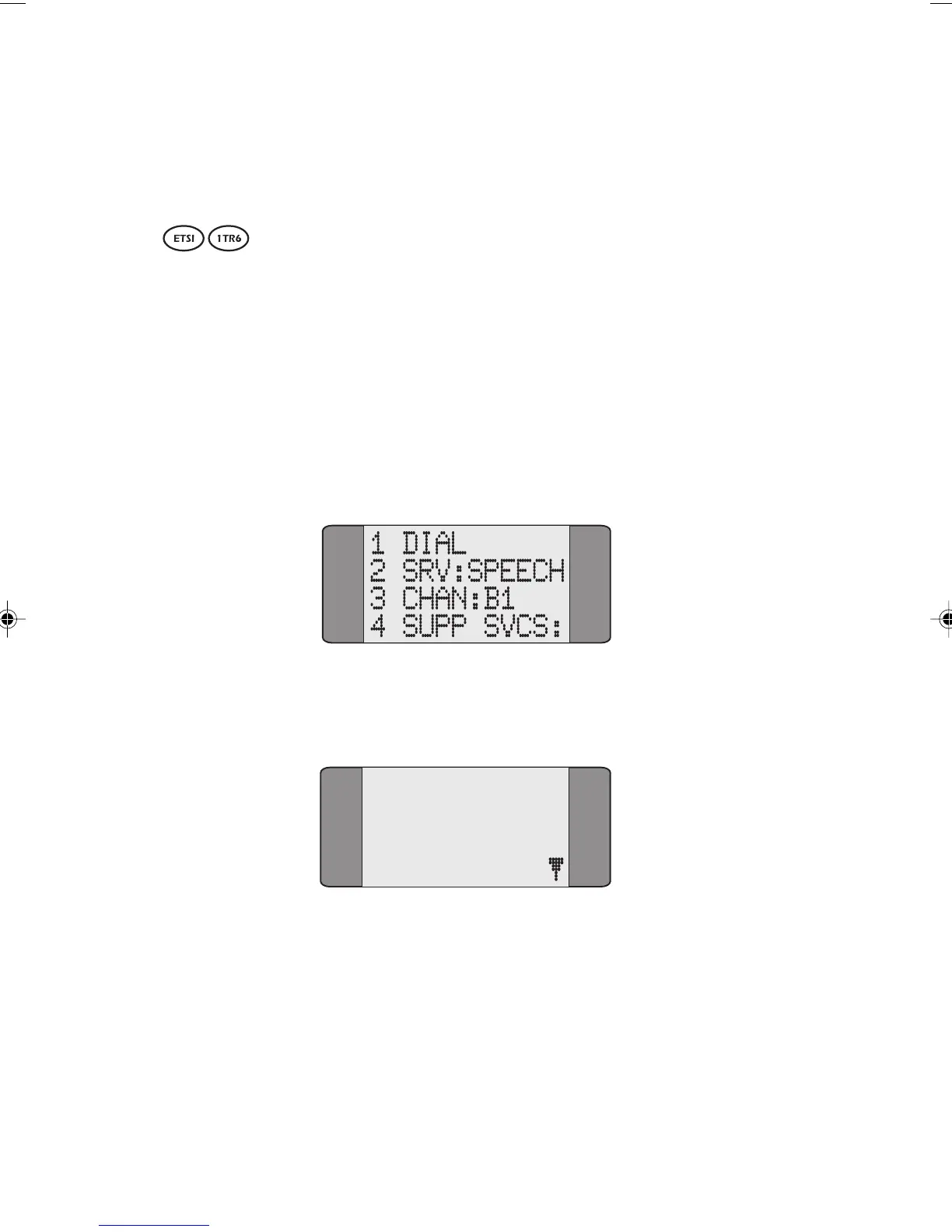
Choose CALLS from the main menu to display the following
screen:
Choose SRV to display a screen similar to the following
screen.
01*T-ISDN
02 3_1K
03 DATA 64
04 FAX G3
Chap04s1.P65 30/04/01, 16:3414



 To Next Page