Trend AuroraPlus User Guide
8-10 429850
At the end of the call, if the meter pulse display is currently
on,
AuroraPlus displays the final meter pulse count for the call.
ANALOGUE
METER PULSES
3
On Hook
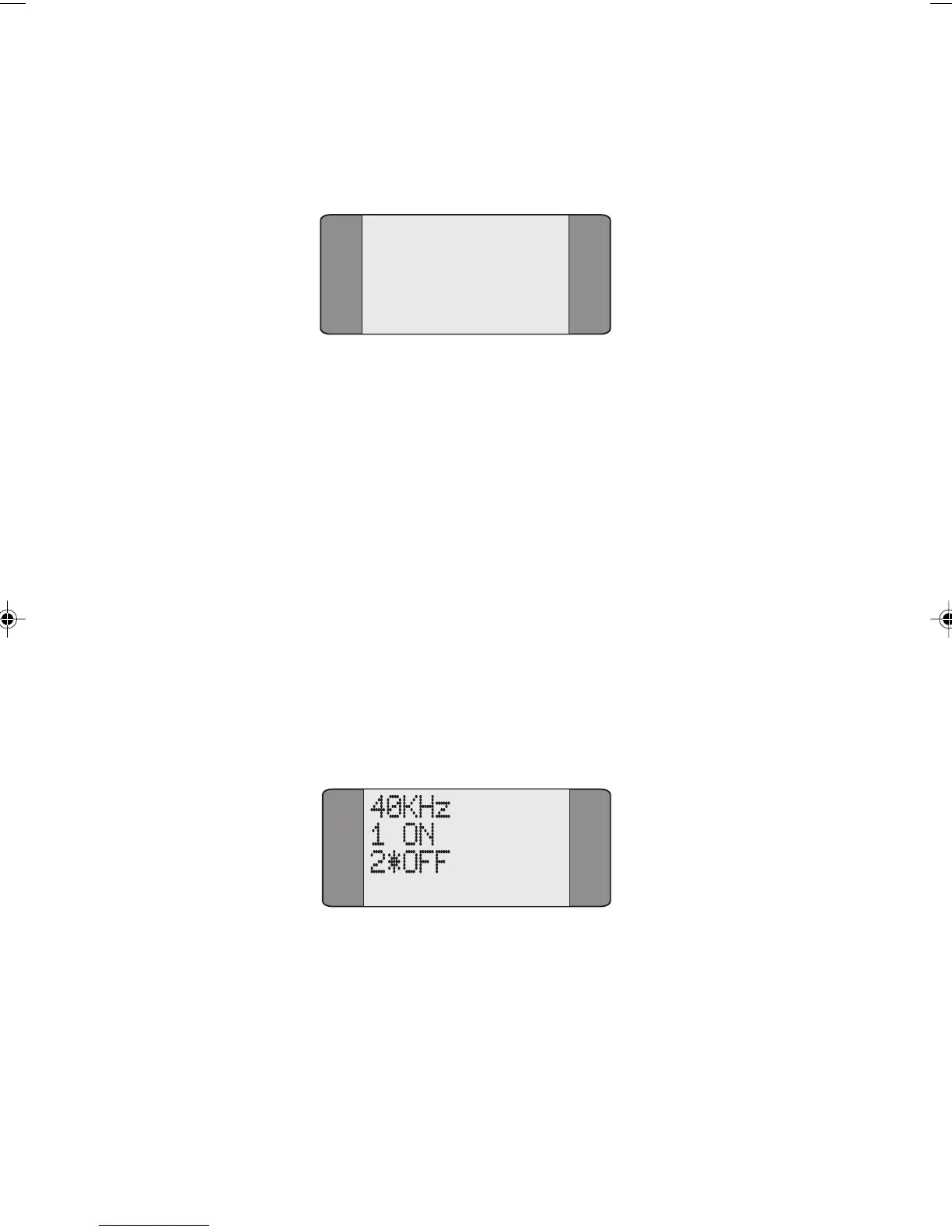
The 40kHz Generation Test
The 40kHz Test is used to send a 40kHz tone at -12dB
(-17dBm ) across the line from the remote end. This can be
used by a tester at the exchange (a TIMS tester) to measure
signal loss. This test may be used on the 2 Wire Interface
only.
Note
To perform the 40kHz Test you must place AuroraPlus in
analogue mode, regardless of whether you have purchased
this feature or not. The 40kHz Test is only available on units
with a built-in battery.
Choose
40kHz from the Analogue Main Menu.
Choose ON to send the tone. AuroraPlus continues to send the
tone until
OFF is selected.
Note
You cannot leave the 40kHz screen until you have turned the
tone off.
Chap08.P65 01/05/01, 09:1610



 To Next Page