Setting up your AuroraPlus
Issue 5 - 04/01 3-1
Setting Up your AuroraPlus
This chapter tells you how to set up AuroraPlus ready for
testing. The setup parameters you enter are stored in the
unit's EEPROM and are retained if the battery or external
power supply fails.
Displaying the Setup menus
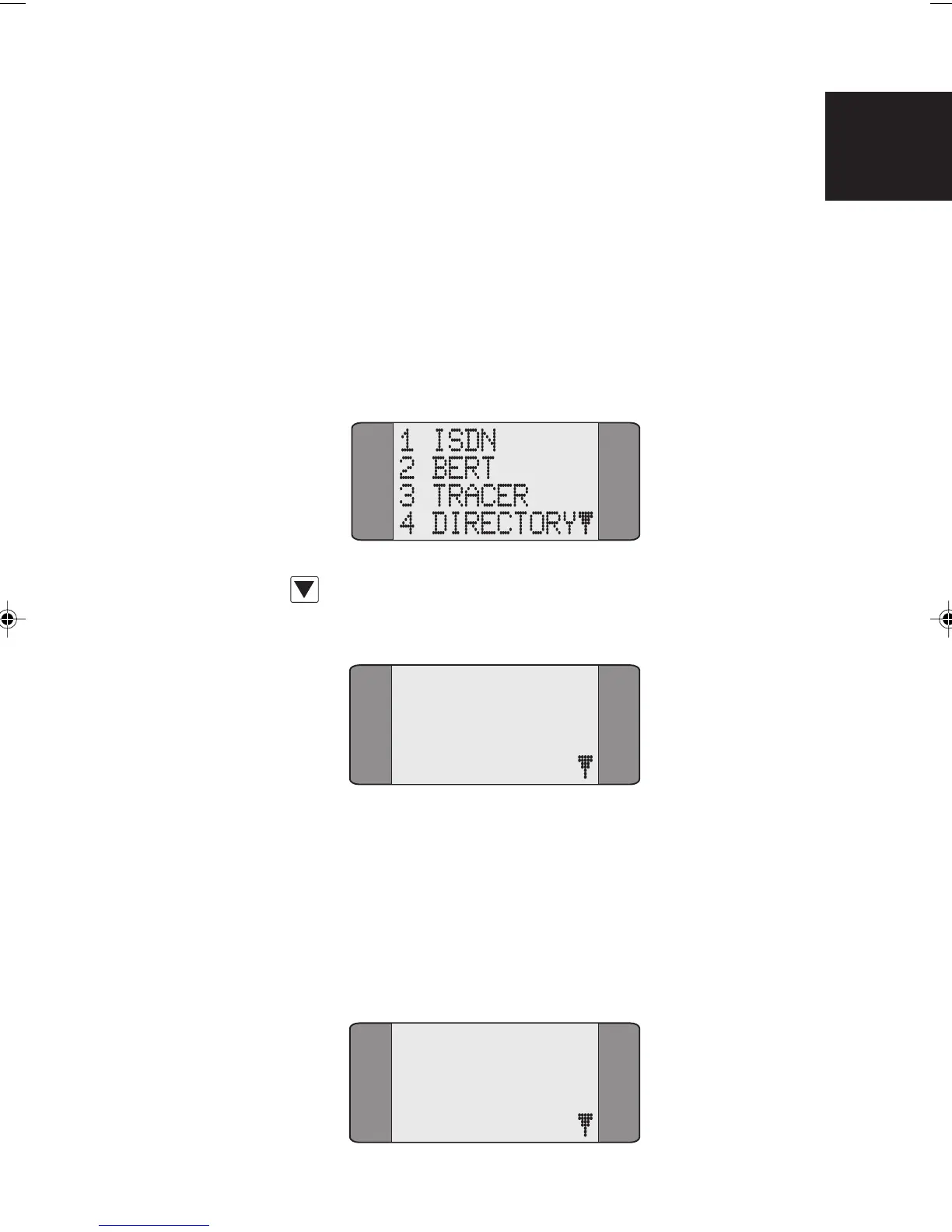
From the Main menu, choose SETUP:
Use the SCROLL key to display the second page of Setup
options.
5 GENERAL
6 TESTREPORT
7 AUTOTEST
Selecting Protocol & Line Type
This section describes how to select a different protocol or
line type.
Choose ISDN from the Setup menu to display the following
screen:
1 PROTOCOL
2 LINE TYPE
3 LOOP
4 CALL SCRN
3
Chap03.P65 30/04/01, 16:311



 To Next Page