Trend AuroraPlus User Guide
3-16 429850
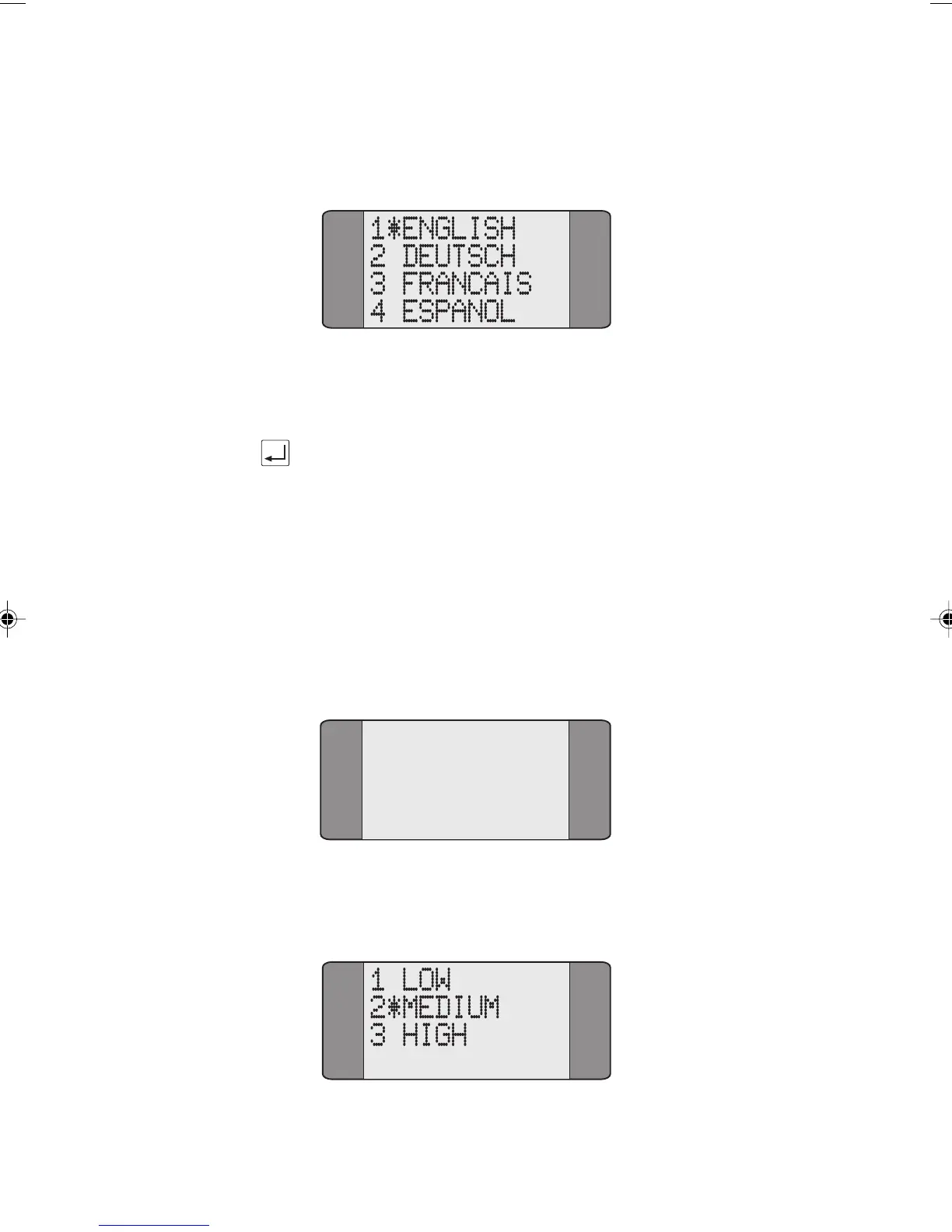
Choose LANGUAGE from the General menu to display a screen
similar to the following:
Select a language from the display. An asterisk (*) appears
next to the current selection.
Press the ENTER key to confirm your choice.
Loudspeaker Volume Settings
AuroraPlus contains a loudspeaker built into the top left hand
side, next to the earpiece. The level of volume obtainable
from the loudspeaker can be set at three levels as follows:
Choose
GENERAL from the Setup menu to display the
following screen:
1 LANGUAGE
2 LOUDSPKR
3 DATE/TIME
4 SELFTEST
Choose LOUDSPKR from the General menu to display the
following screen :
Chap03.P65 30/04/01, 16:3216



 To Next Page