Testing on Analogue Lines with AuroraPlus
Issue 5 - 04/01 8-9
Dial the number. When you have entered a valid number,
AuroraPlus connects the new call.
Press SCROLL to return to the connected call options
screen.
To clear this call and reconnect to the original call, choose
RECALL.
Note
On an internal analogue network, you may have to press
another key, specific to that network, after choosing
RECALL.
Displaying the Meter Pulse Count
+
During an outgoing call, you can choose whether to display
the number of meter pulses received, to find out how much
you have been charged for the call.
Note
Call Charge Display (Facility Code 67 - see Chapter 5) must
be enabled before you can display meter pulses.
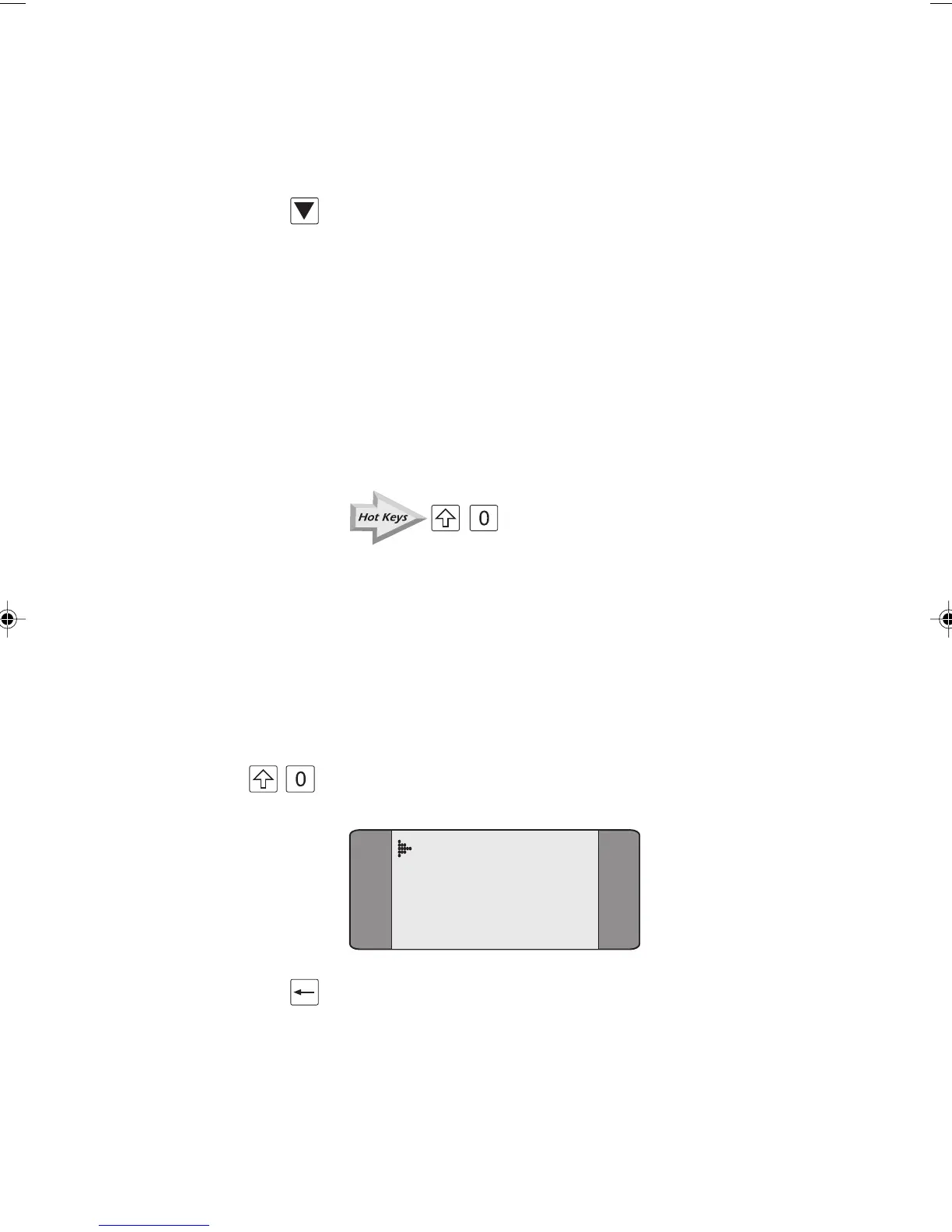
+ Press SHIFT and 0 to display the current meter pulse count.
Active
METER PULSES
3
Press CLEAR to remove the meter pulse display.
Chap08.P65 01/05/01, 09:169



 To Next Page