Test Functions
Issue 5 - 04/01 5-31
NUM 2
CLI
........ and so on.
Notes
• If no Call Forwarding settings are present Nofac is
displayed.
•
Timeout is displayed if there is no response from the
network.
Checking Call Forwarding Status
VN
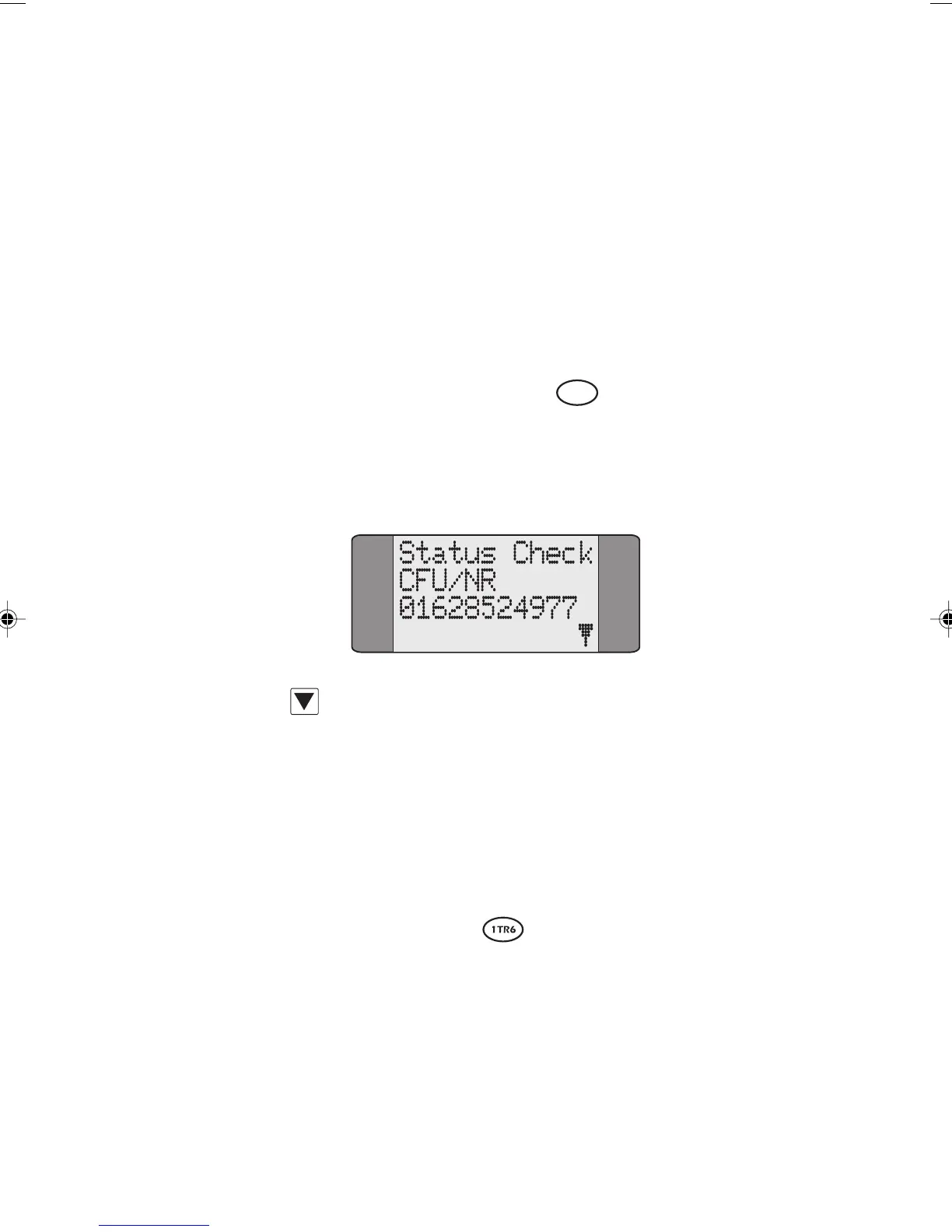
The STATUS option provides information about Call
Forwarding settings.
AuroraPlus displays the number to which
calls are being redirected.
Press SCROLL to display any further redirection information
returned by the network.
Notes
• If no Call Forwarding settings are present Nofac is
displayed.
•
Timeout is displayed if there is no response from the
network.
Checking Active Facilities
In the 1TR6 protocol, the STATUS option displays the active
facilities on the line.
AuroraPlus displays the following
information:
•
LINE DIVERT is shown, together with the call
forwarding number, if AWS1 is activated.
Chap05.P65 01/05/01, 09:1331



 To Next Page