Trend AuroraPlus User Guide
5-30 429850
Choose CALLS/SUPP SVCS/CALL FWD from the Main Menu.
Choose
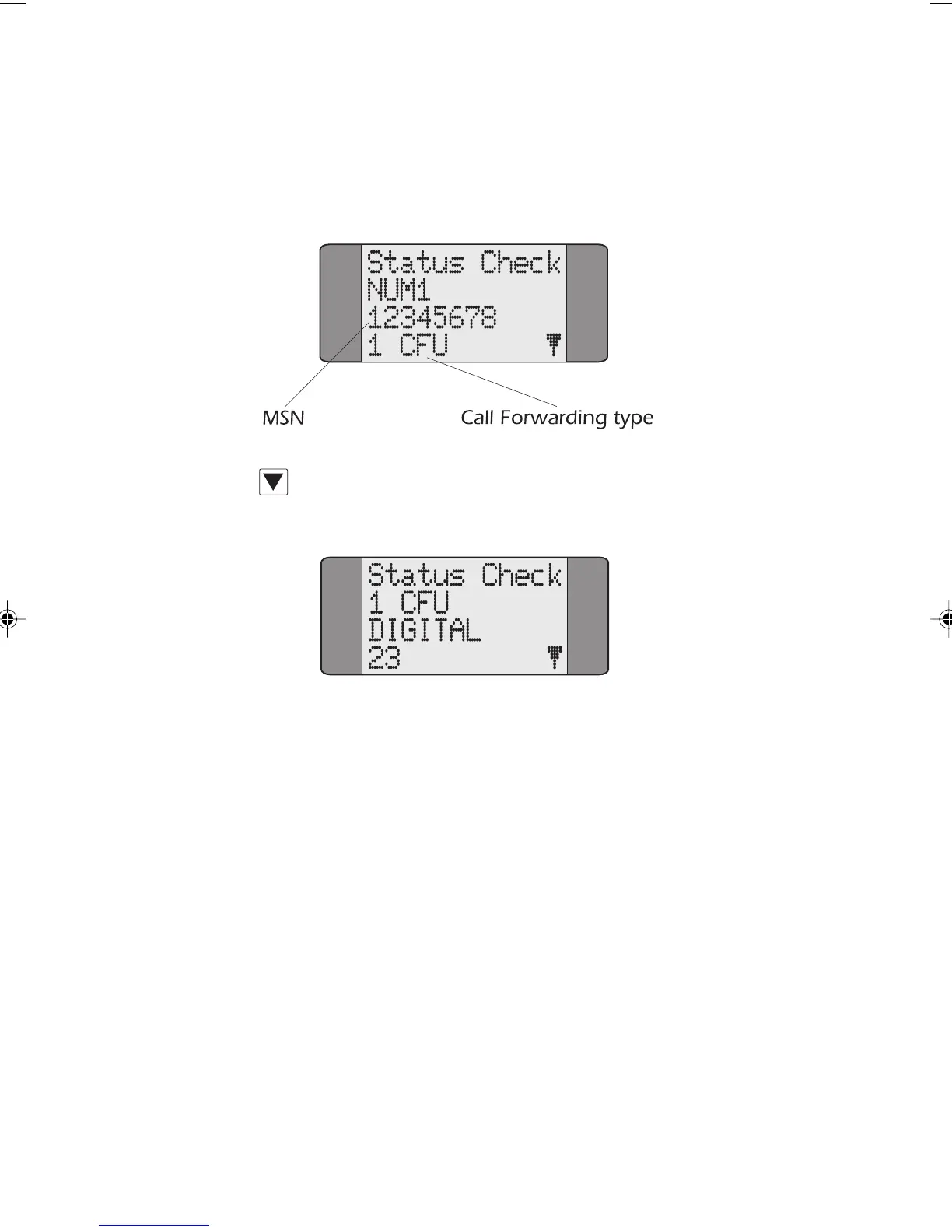
STATUS to display a screen showing details of any
Call Forwarding settings:
Press SCROLL repeatedly to move through the information
one line at a time.
If more than one Call Forwarding setting is programmed,
information is displayed in the following sequence:
NUM 1
CLI
CF-Type
Basic Service
Forwarded-To-Address
Basic Service
Forwarded-To-Address
CF-Type
Basic Service
Forwarded-To-Address
Chap05.P65 01/05/01, 09:1330



 To Next Page