Trend AuroraPlus User Guide
3-12 429850
Specify the duration of the BERT, using the number keys to
enter the time in hours and minutes, and then press ENTER.
For a continuous BER Test, enter a value of zeroes.
Note
The maximum length of time you can define for a custom
BERT is 3hrs 59min.
Tracer Setup
The Tracer is the name given to the function which lets you
capture ISDN signalling information from the D (Demand)
Channel during an attempted or established call. This
information is sometimes called 'Decode'.
The stored information is held in
AuroraPlus's memory.
AuroraPlus lets you review the stored data on screen or
download it to a PC for analysis. You can also clear the data
from memory. The following section describes the capture of
decode to memory. You can store up to 99 lines of decode in
AuroraPlus's memory.
Select
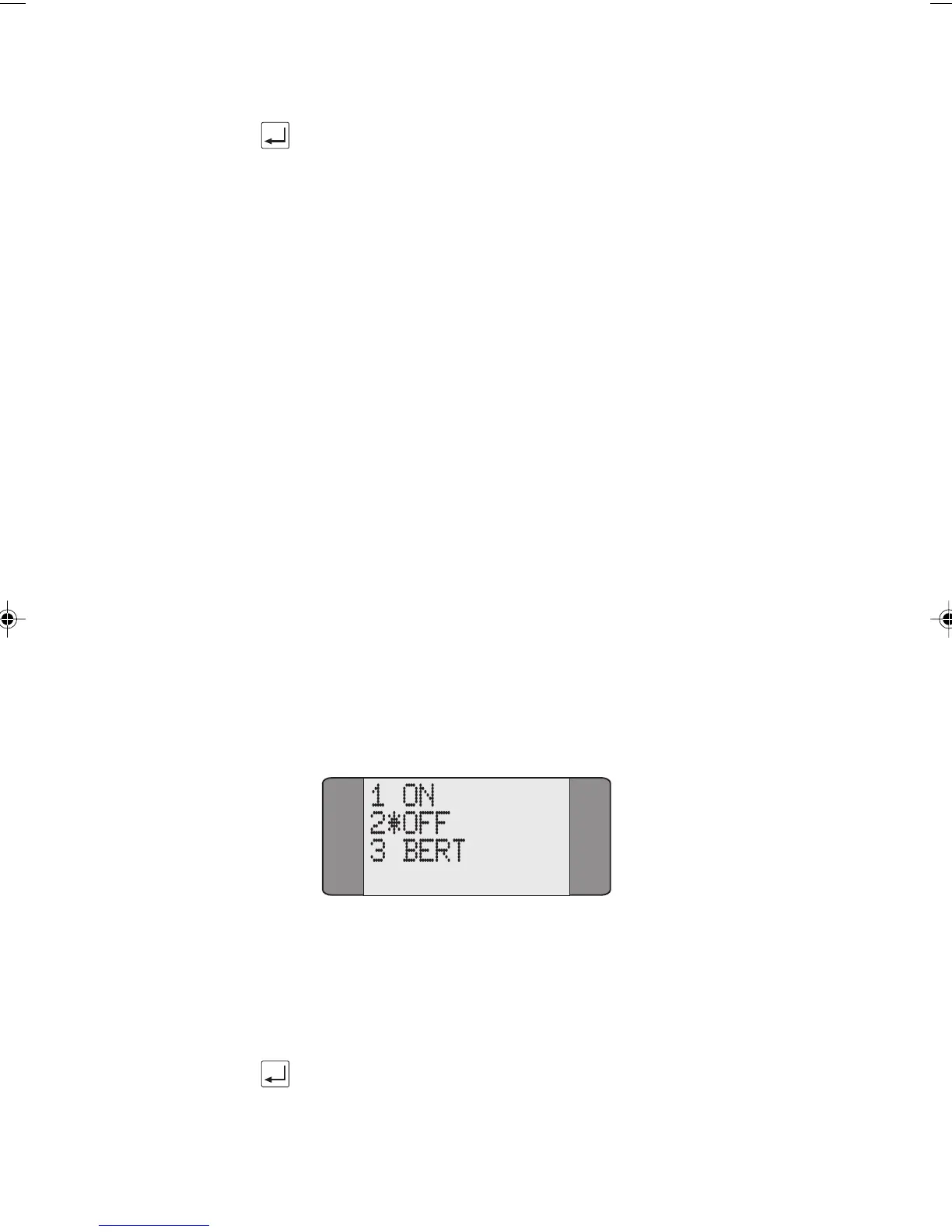
TRACER from the Setup menu.
Turning the Tracer On and Off
Choose ON to start capturing data; choose OFF to stop data
capture. An asterisk (
*) symbol is displayed next to the
current selection.
Press the ENTER key to confirm your choice.
Chap03.P65 30/04/01, 16:3212



 To Next Page