Trend AuroraPlus User Guide
6-8 429850
If you want to enter punctuation or symbols not listed
above, press
to scroll through the characters available.
To delete a character, press
.
To enter a lowercase character:
Press the appropriate key and display the character you want
to add.
Press
.
To change the character to lowercase, press the key for the
character again.
To add a space press
twice.
Press the ENTER key to confirm your choice.
Connecting a X.25 Call
First you must change AuroraPlus to the correct service.
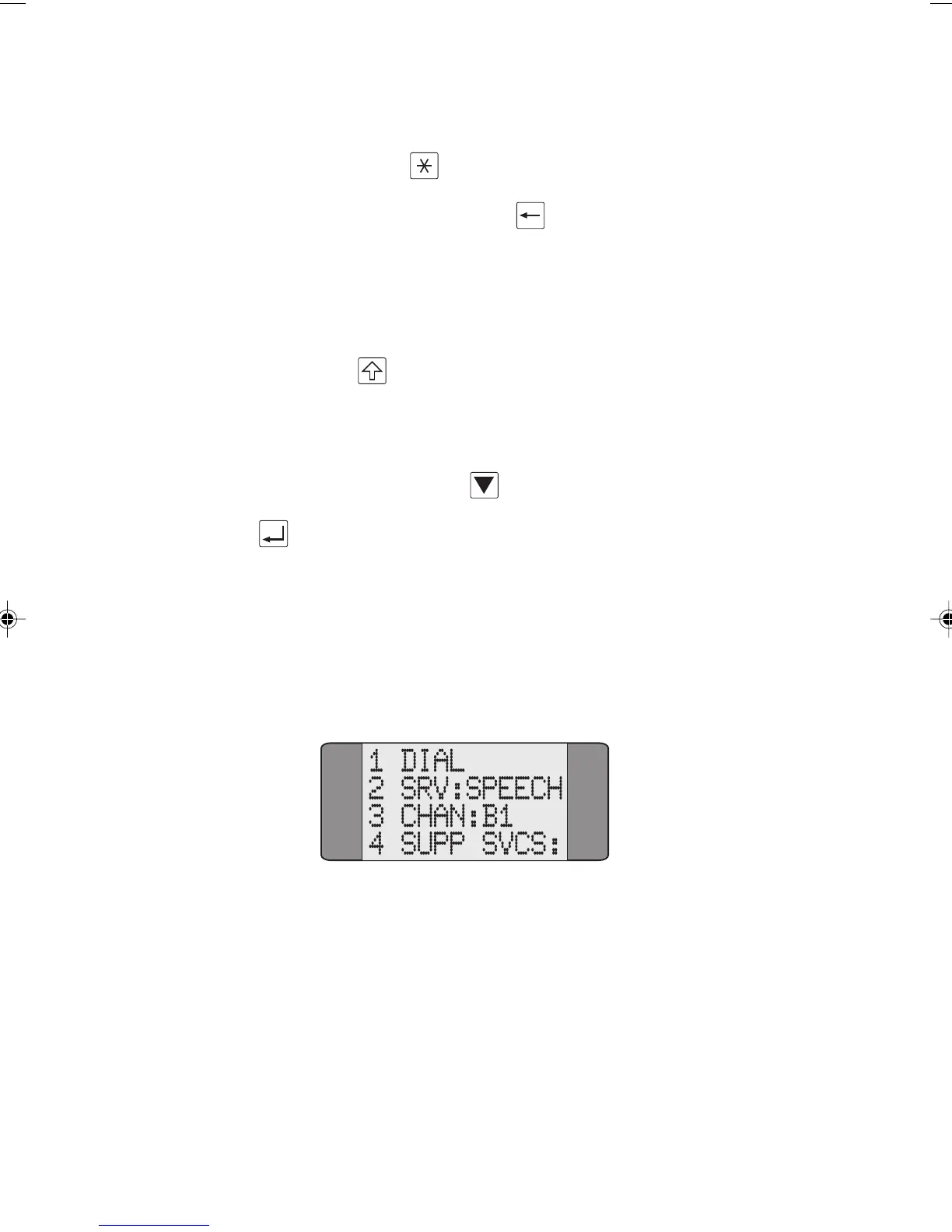
Choose CALLS from the Main Menu to display the
following screen:
SRV: shows the currently selected service. In the above
example, SPEECH has been chosen.
Chap06.P65 01/05/01, 09:148



 To Next Page