Trend AuroraPlus User Guide
2-4 429850
Shift Key
The SHIFT key is used in combination with other keys to
access additional functions - these are known as Hot Key
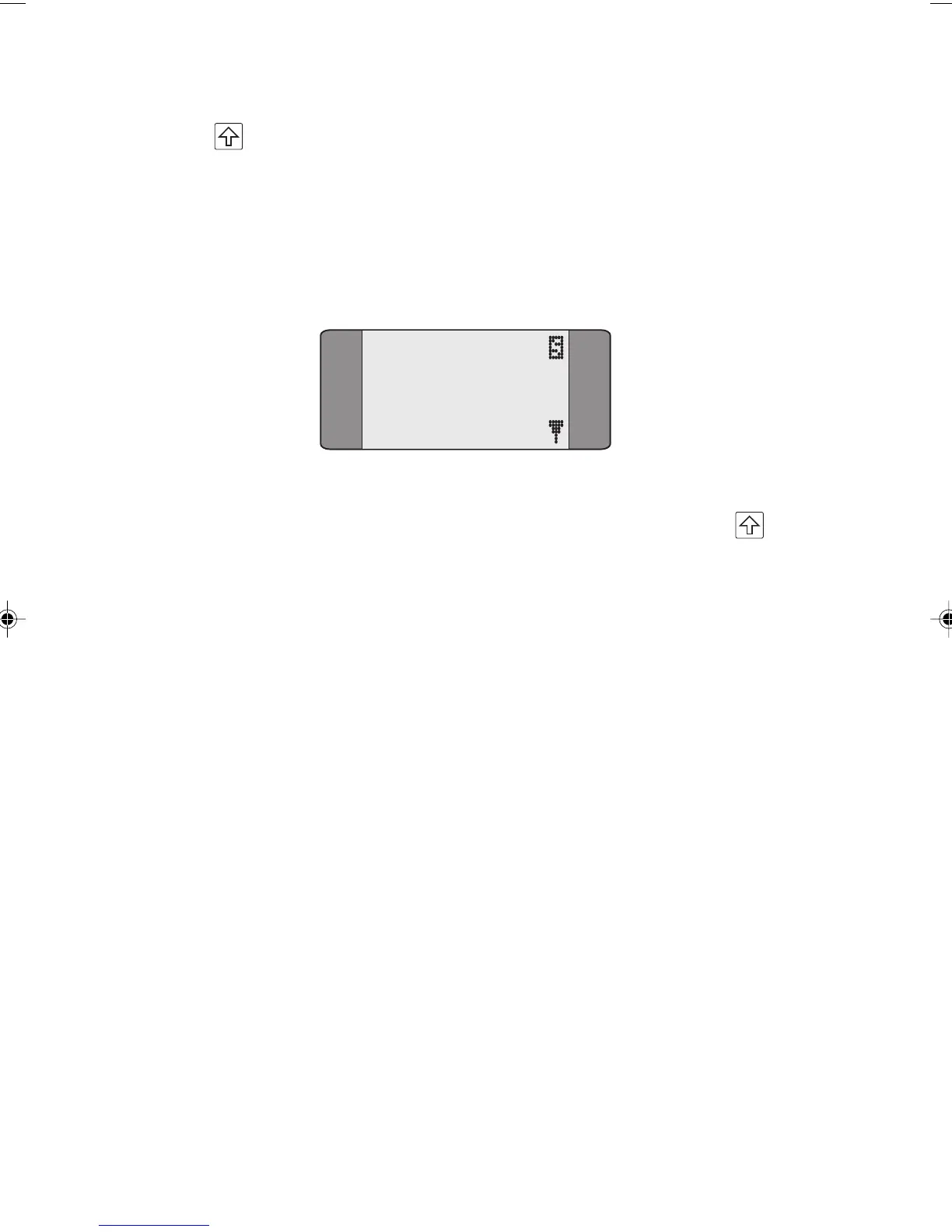
functions. When you toggle the SHIFT key an 'S' appears in
the top, right of the screen to indicate you are about to
trigger a shift function:
1 CALLS
2 TESTS
3 AUTOTEST
4 RESULTS
Functions displayed in yellow on the keypad are accessed by
combining that particular key with SHIFT - for example
+ 5 for a BER Test. Please refer to Using Hot Keys in this
chapter for further details.
Switches
S/U Change-Over Switch
The S/U Change-Over Switch is used for switching between S
or U Interface lines. The supplied S and U access cables are
used for connection to the Basic Rate line. The switch has
two positions:
UP S Interface
DOWN U Interface
Changing between S-Bus and U-Interface operation
With AuroraPlus switched on,
unplug the connection to
AuroraPlus.
Press the S/U button.
AuroraPlus reboots and the new interface is now active.
Chap02.P65 30/04/01, 16:304



 To Next Page