Testing on Analogue Lines with AuroraPlus
Issue 5 - 04/01 8-5
The dialled subscriber is called. When answered, the call is
connected.
Press the ENTER ( ) key to terminate the call.
The main Analogue menu is displayed.
If you have chosen to display the number of meter pulses you
have received for an outgoing call, the information is
displayed on this screen. For details, see Displaying the Meter
Pulse Count later in this chapter.
En Bloc Dialling
To dial in En Bloc mode, you enter the number and then
press the ENTER (
) key to dial.
From the Dial Screen, enter the number you wish to dial (or
use Call Redial or Speed Dialling).
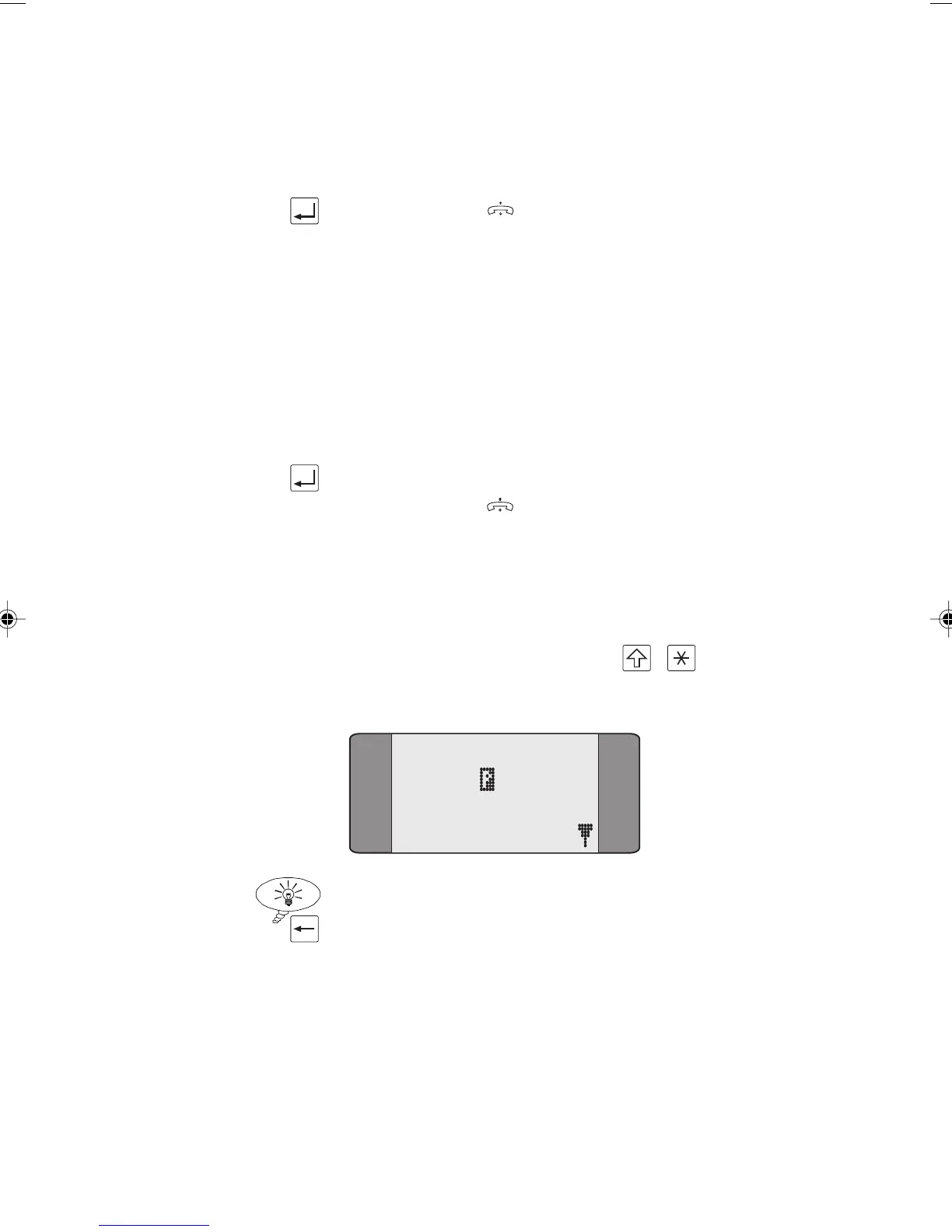
You can insert a ‘Pause’ (e.g. a pause between an area code
and a subscriber number) by pressing + . This is
displayed as a ‘
P’ symbol in the number.
NUM:
12345 678
Tip
To erase the most recently entered digit, press the CLEAR
key.
Chap08.P65 01/05/01, 09:165



 To Next Page