Trend AuroraPlus User Guide
8-8 429850
To return to the connected call options menu, press the
SCROLL key. Notice that the dial mode option has changed
to let you switch back to the original mode. For example, if
you have switched to Pulse dialling,
AuroraPlus now displays a
DTMF option, and vice versa.
Putting a call on hold
You can place an existing analogue call on hold and make a
second call, then return to the original call.
Note
This feature is only available on an analogue PBX with tone
dialling and flash signalling which uses Timed Break Recall.
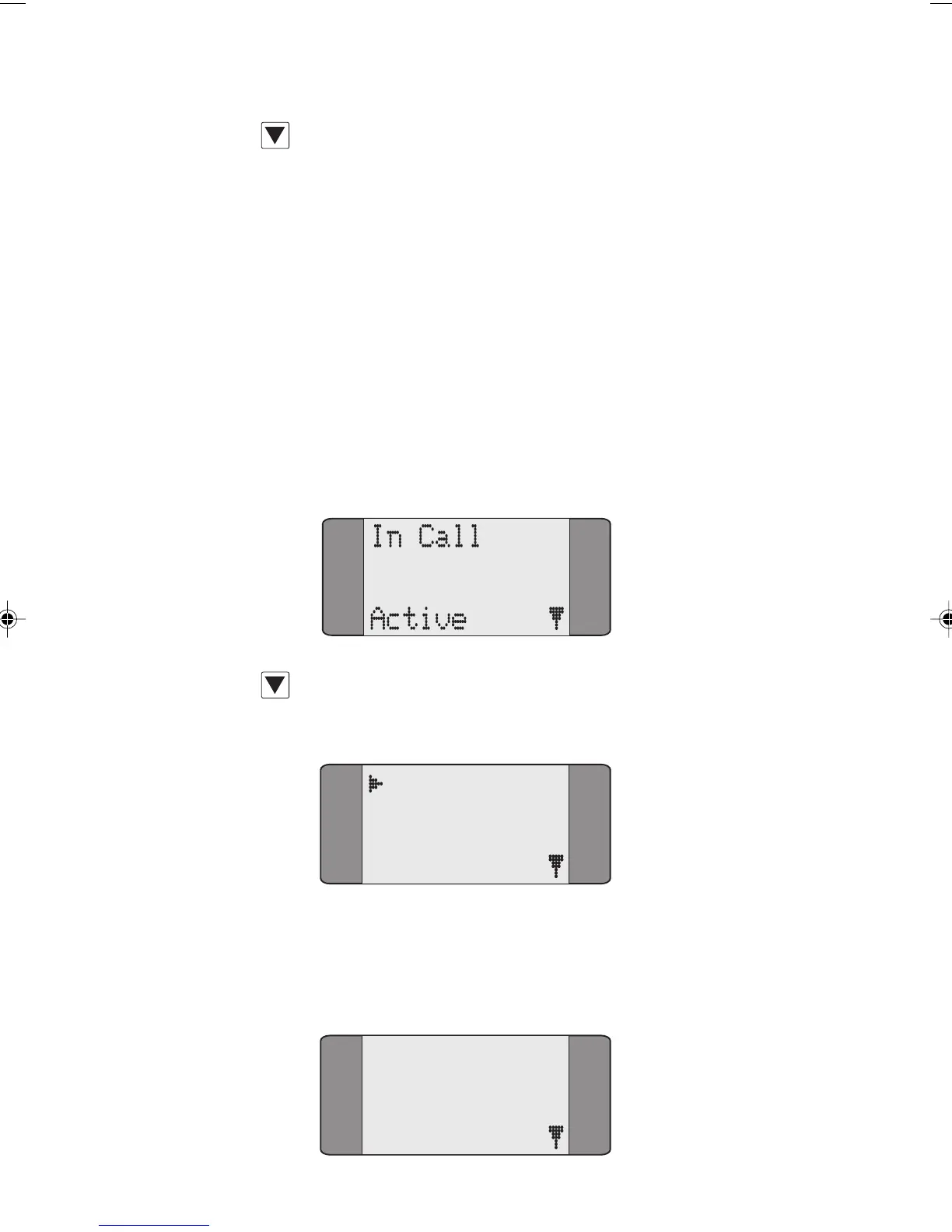
Press SCROLL to display the options for a
connected call.
Active
1 Pulse
2 Recall
3 Tone
Choose RECALL to send a flash signal placing the original call
on hold.
AuroraPlus displays a screen for you to dial the
number for the new call.
Active
RECALL
Chap08.P65 01/05/01, 09:168



 To Next Page