Trend AuroraPlus User Guide
4-6 429850
Speed Dialling
Speed dialling only operates in En Bloc dialling mode. Please
refer to Storing Speed Dialling Numbers in Chapter 3 for
information on setting up this facility.
Choose
CALLS/DIAL from the Main Menu to display a Dial
screen.
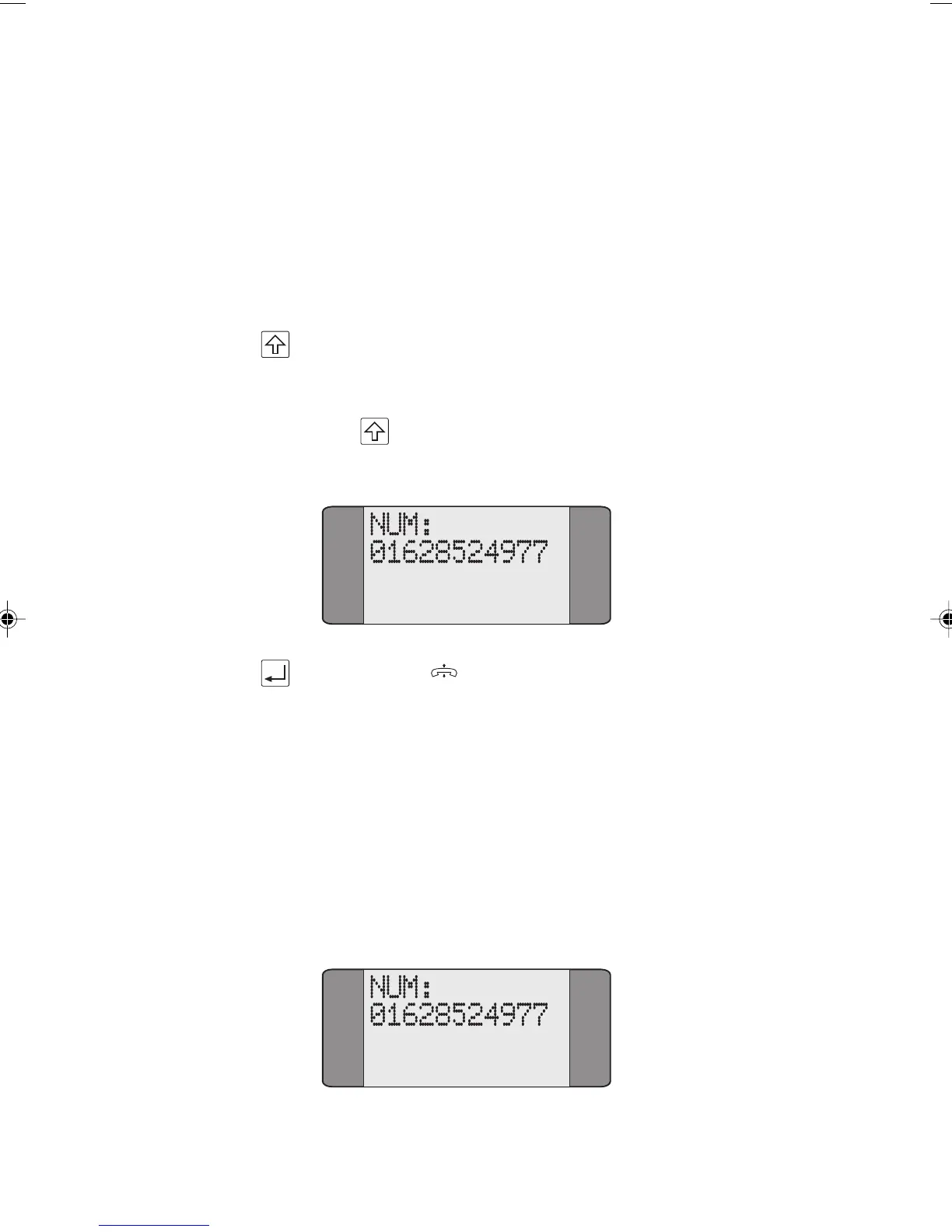
Press SHIFT followed by the number of the memory
location containing the CPN you wish to dial. For example,
to dial the number held in Speed Dial memory location 1,
press
+ 1. The number is recalled from memory and
displayed:
Press ENTER ( ) to dial the number.
Call Redial
This facility lets you automatically redial the last number
dialled. The last number dialled is stored in memory after the
unit is disconnected from the ISDN for as long as the power
is on. Redial operates in En Bloc and Overlap dialling modes.
Select
CALLS/DIAL to display the Dial screen together with
the last number dialled.
Chap04s1.P65 30/04/01, 16:336



 To Next Page