Trend AuroraPlus User Guide
4-8 429850
Note
If an incoming call is received when you are in a Setup or
Results screen it is automatically rejected by
AuroraPlus.
Call Waiting
Call Waiting informs you that there is an incoming call, even
when no channel is available to accept it because other calls
are in progress.
AuroraPlus beeps to indicate Call Waiting - you
can either accept or reject the waiting call.
Dealing with a Second Call
Call Waiting depends on the Loop settings. If the Loop
option is set to
AUTO and a B Channel is available, AuroraPlus
automatically answers any new, incoming calls. If it is set to
OFF or MANUAL, a second incoming call is indicated by a
'beep' in the earpiece or loudspeaker. Please refer to Setting
up a Loop in Chapter 3 for further information.
Note
If an incoming call arrives on the second B Channel during
the dialling procedure, the dialling procedure is terminated
and the Call Waiting procedure starts.
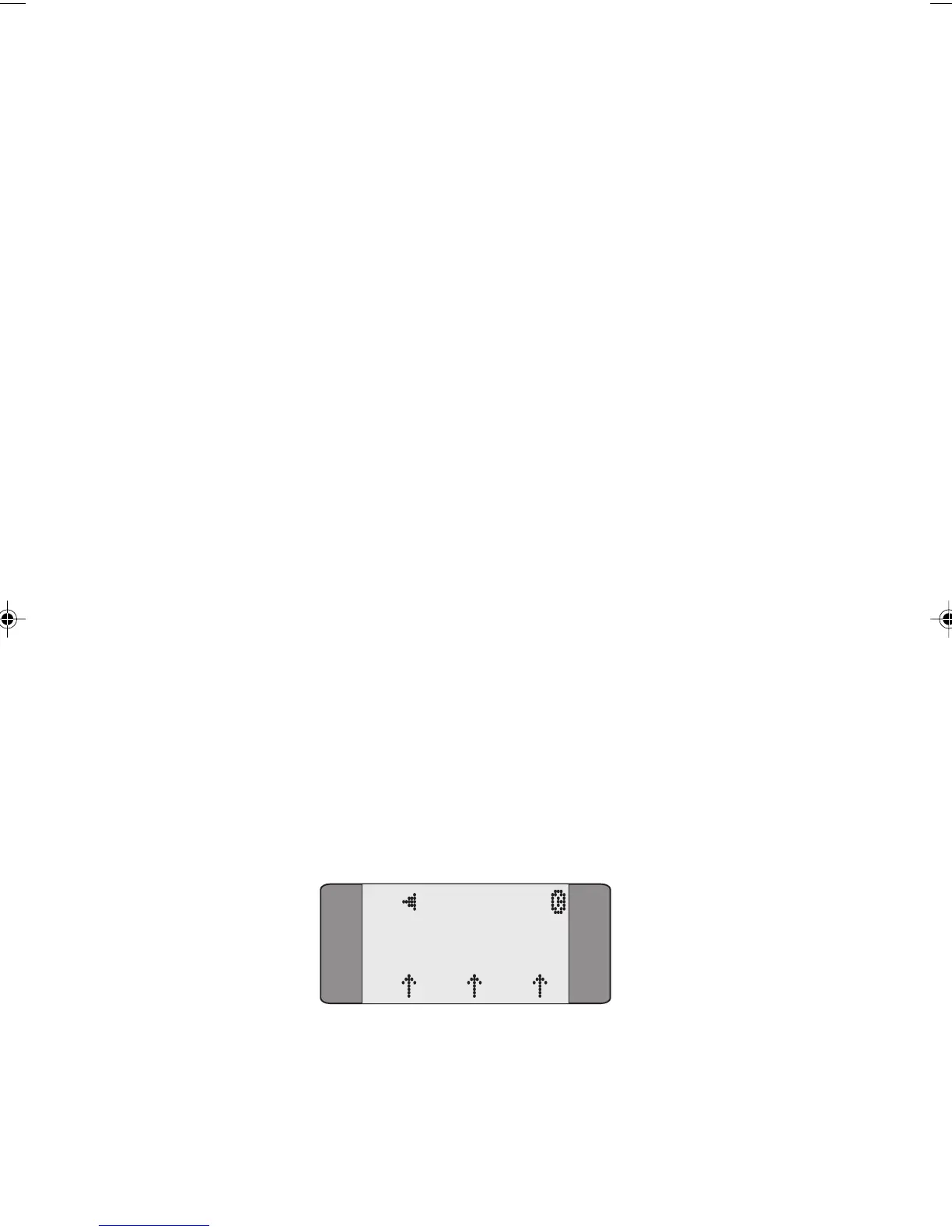
CALL WAITING is displayed on a screen similar to the one
shown below. The B Channel, Bearer Service, CLI and Layer
Status are also displayed.
B2 CONNECT
L1 L2 L3
SPEECH
Chap04s1.P65 30/04/01, 16:338



 To Next Page