Test Functions
Issue 5 - 04/01 5-23
Choose GENERAL.
1 LANGUAGE
2 LOUDSPKR
3 DATE/TIME
4 SELFTEST
Choose SELFTEST.
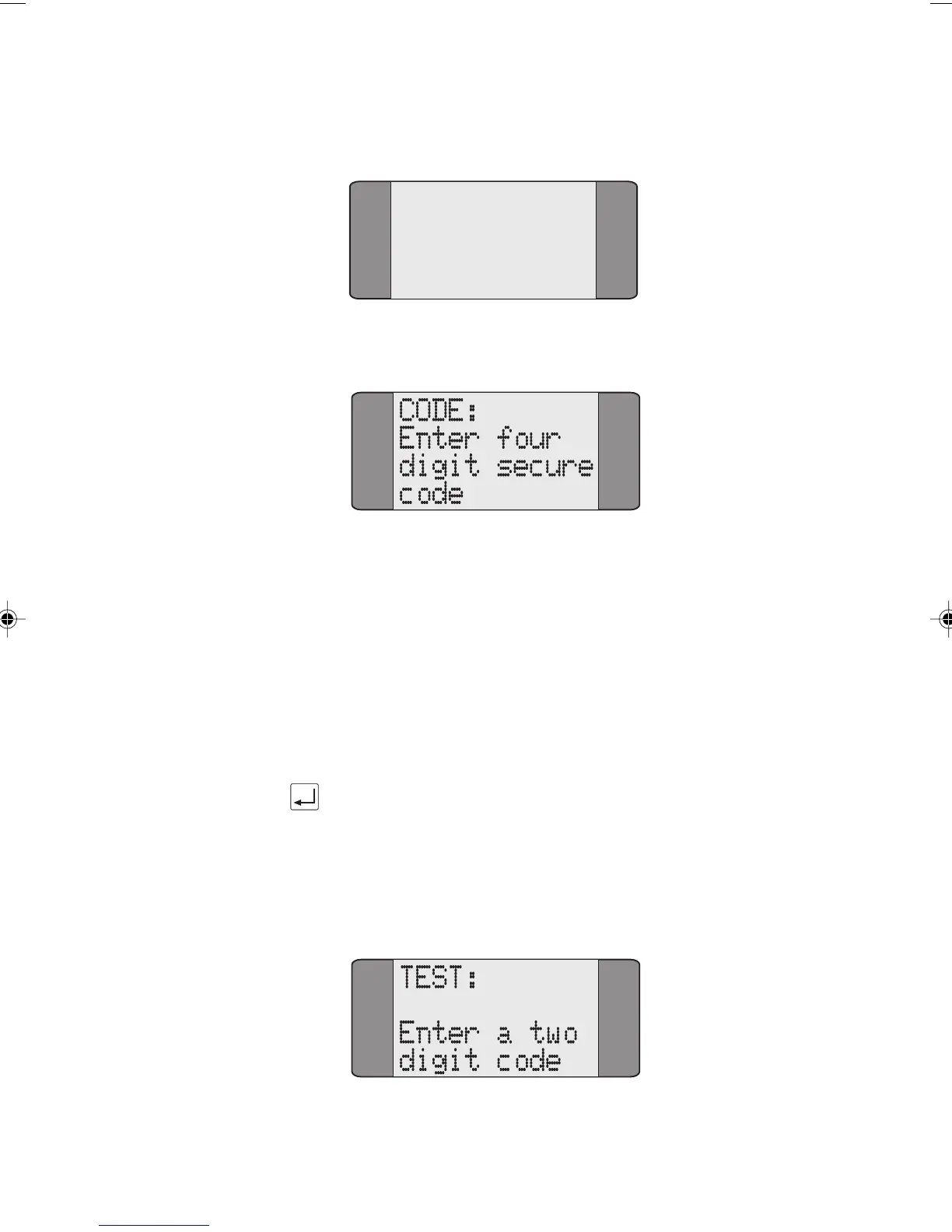
Enter a Facility Access Code (FAC). The FAC tells AuroraPlus
which Self Test facility you wish to perform. The codes are as
follows:
3570 - use this code to access AuroraPlus's Self Test
facilities
1590 - use this code to check and download to
AuroraPlus's Flash Memory.
Enter the appropriate four digit FAC and press ENTER.
Performing a Self Test Function
When you enter a FAC code of 3570 (the code for accessing
the Self Test facilities) the following screen is displayed:
Chap05.P65 01/05/01, 09:1223



 To Next Page