Trend AuroraPlus User Guide
4-12 429850
To answer the second call, press ENTER ( ). The call is
connected.
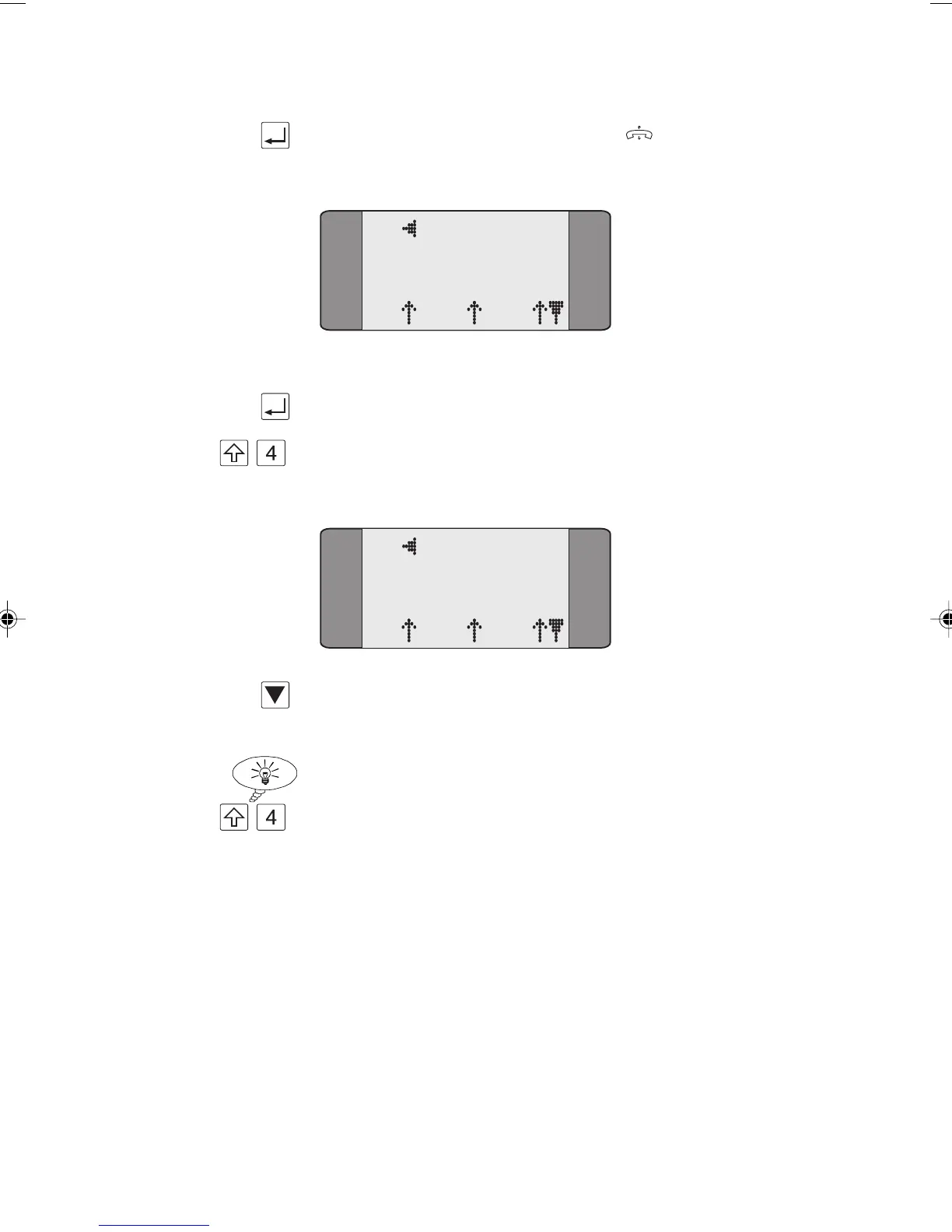
B2 CONNECT
3.1K
L1 L2 L3
Retrieving the held call
First, press ENTER to clear down the second call.
+ Press SHIFT + 4 to display the Call Status screen for the held
call.
B1 CONNECT
3.1K
L1 L2 L3
Press SCROLL to display further options.
Choose
RETRIEVE to recover the held call.
Tip
+ To toggle between the Call Status screens for each call, press
SHIFT and 4. The Call Status screen displays the channel and
CLI for each call.
Selecting an ISDN Service
This section describes how to select the teleservice capability
and service for any outgoing calls that you make.
Chap04s1.P65 30/04/01, 16:3312



 To Next Page