Trend AuroraPlus User Guide
5-22 429850
Choose TEXT or CSV.
The report is sent to the PC.
CSV format is often used when you want to import the
report into a spreadsheet.
Self Test Functions
The Self Test function gives you access to additional features
which are not used regularly or do not appear on the menu.
The Self Test feature lets you set configuration parameters
such as Pulse Width settings or Flash Timing for analogue
lines. It also lets you check flash memory and install new
software on
AuroraPlus.
Note
Calls are not indicated during a Self Test.
Choose
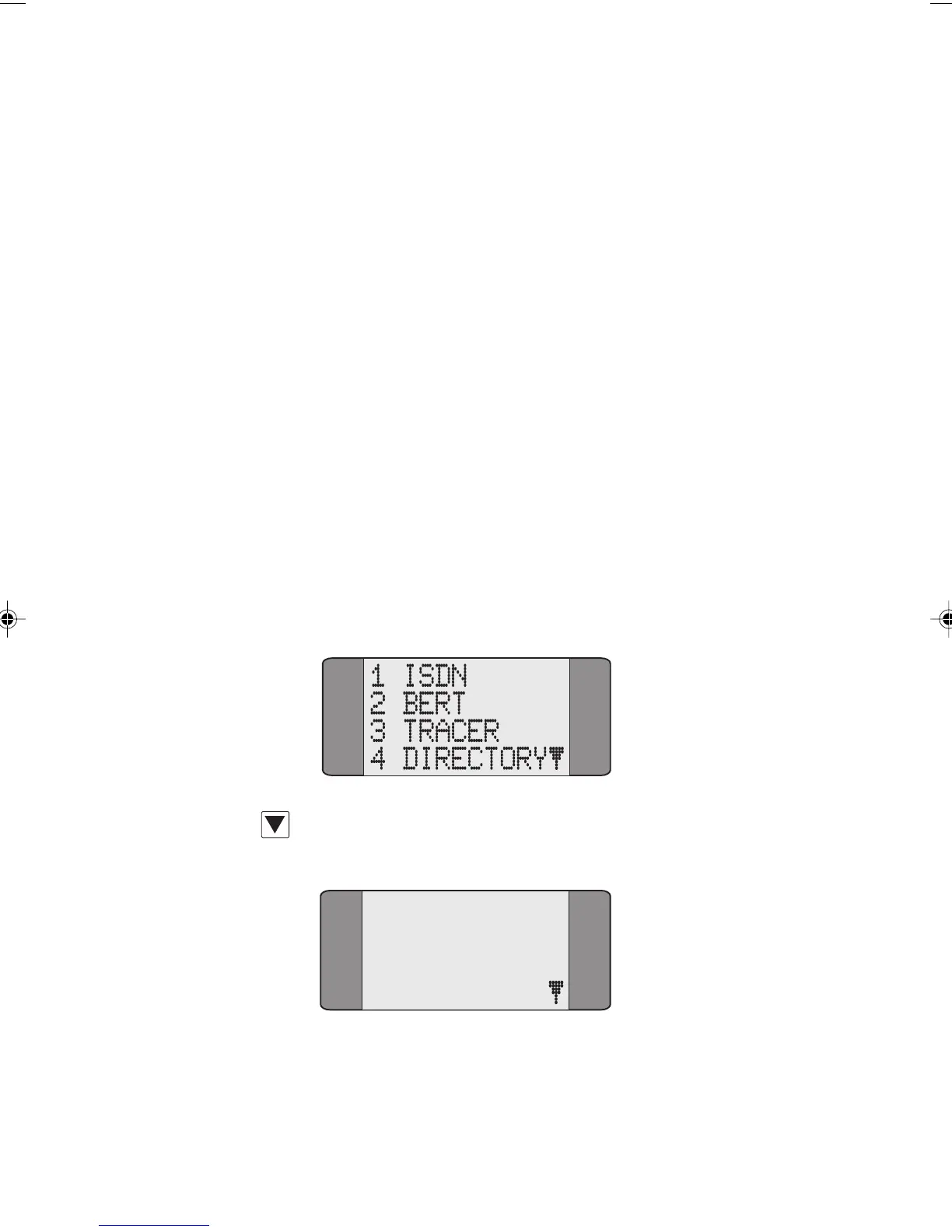
SETUP from the Main Menu.
Press the SCROLL key to display the second page of Setup
options:
5 GENERAL
6 TESTREPORT
7 AUTOTEST
Chap05.P65 01/05/01, 09:1222



 To Next Page