Spectrum B Stimulus and Functional
Issue 5 - 04/01 7-3
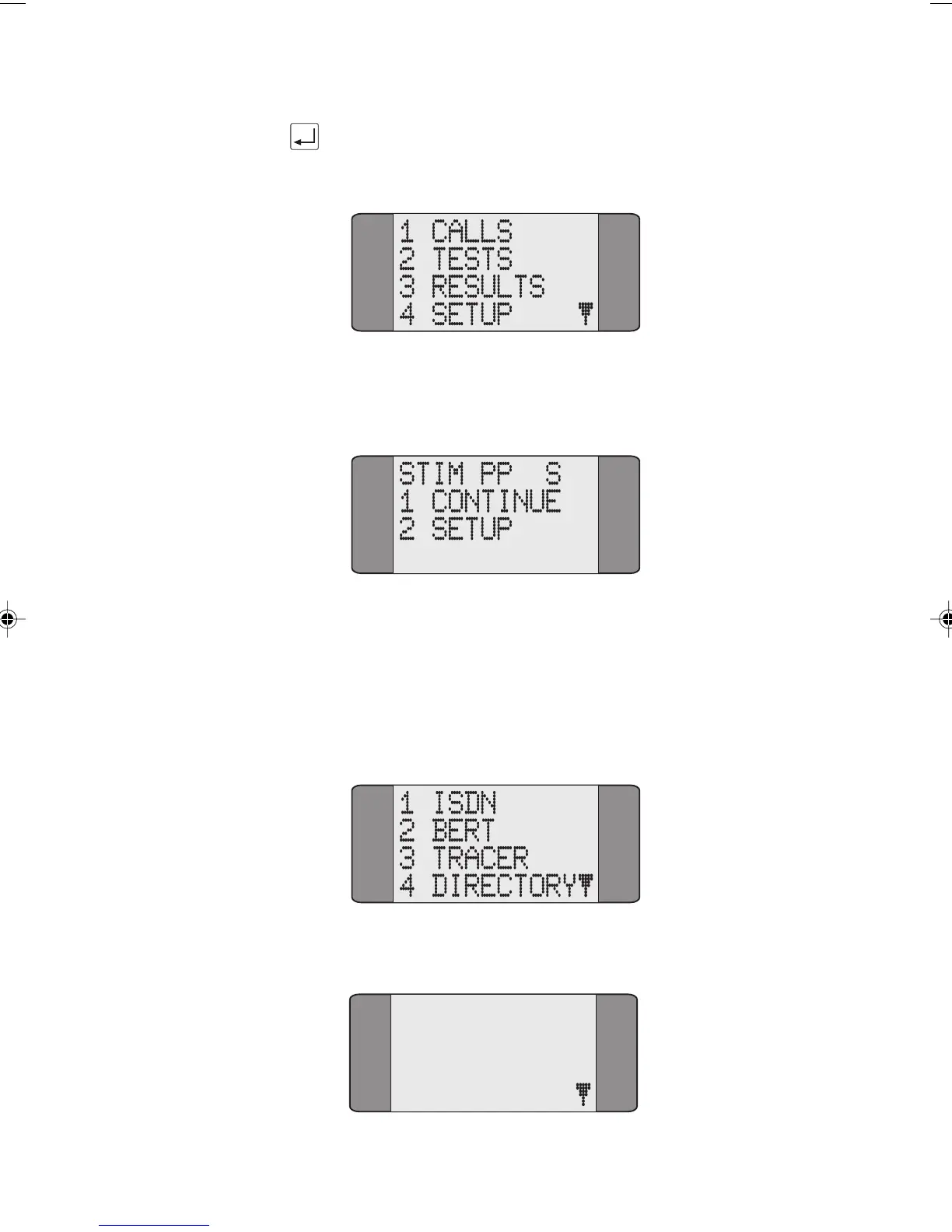
Press the ENTER key, if the SPID has been accepted by the
network the Main menu is displayed:
If the SPID has not been accepted by the network, the
following screen is displayed:
Changing the SPID (Service Profile Identifier)
You can change the SPID that is sent to the network:
When you choose SETUP from the Main Menu the
following is displayed:
Choose ISDN, the following is displayed:
1 PROTOCOL
2 LINE TYPE
3 LOOP
4 CALL SCRN
Chap07.P65 01/05/01, 09:153



 To Next Page