7-4 429850
Trend AuroraPlus User Guide
Press the SCROLL key from the ISDN Setup screen to
display further options:
5 ADDRESS
6 MCID
7 X.25
8 SPID
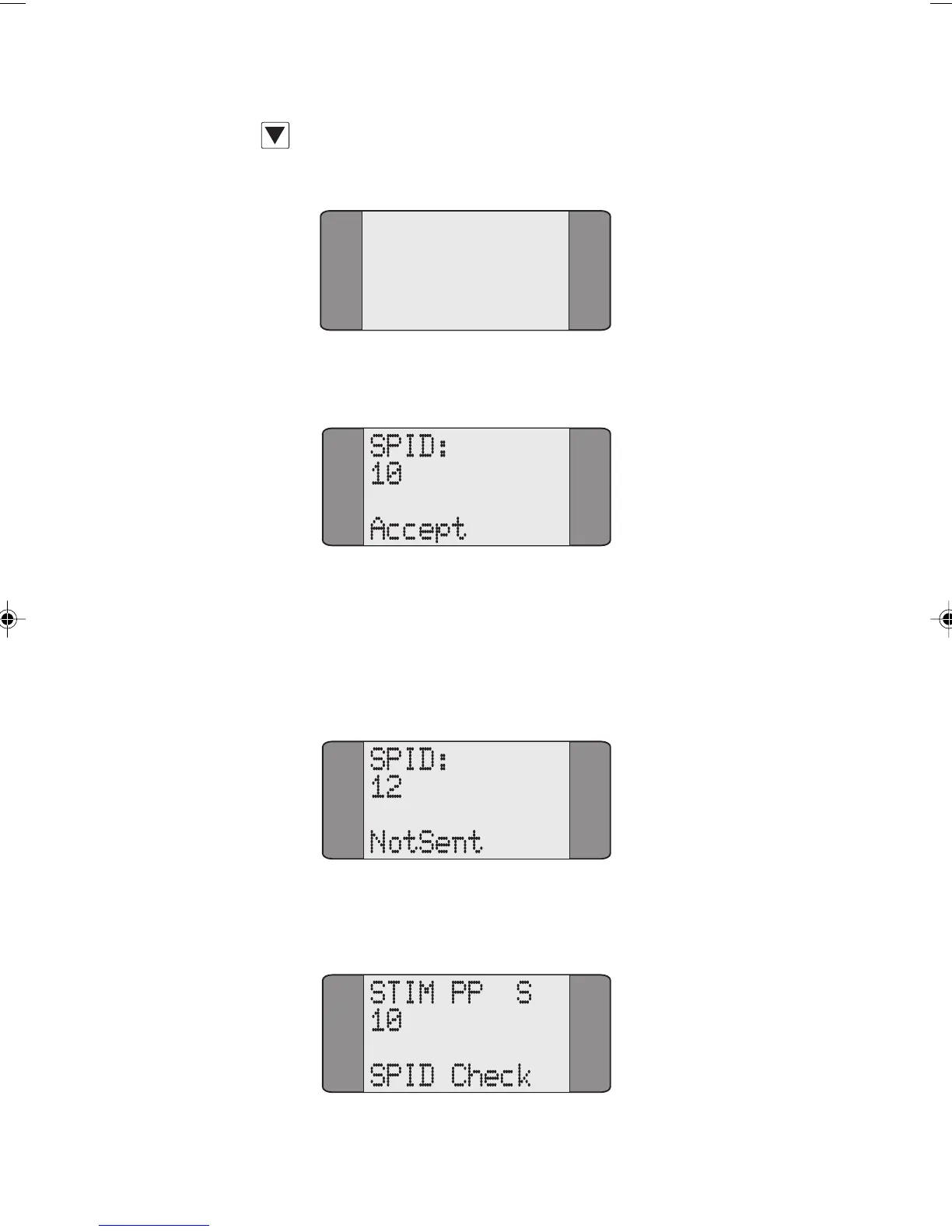
Choose SPID, the following is displayed:
If the SPID has not been accepted by the network NotSent
is displayed on this screen
Enter the new SPID you want to use, the following is
displayed:
To send the SPID to the network, press ENTER, the
following is displayed:
Chap07.P65 01/05/01, 09:154



 To Next Page