Trend AuroraPlus User Guide
5-10 429850
If you have already performed a BER test and the results are
in the
AuroraPlus memory:
Connect
AuroraPlus to the PC and switch on the tracer as
described above.
Select RESULTS from the Setup Menu.
Choose BERT then use the SCROLL key to step through the
results. As you step through the results they are displayed on
the PC.
Starting a BER test
You can specify that you want to make a BER test in two
ways, when you have connected a call, or before you connect
a call.
When you are performing a BER test you can make a
self-call,
AuroraPlus then automatically loops the call back on
the other B-Channel.
Specifying the BER test when a call has been
connected
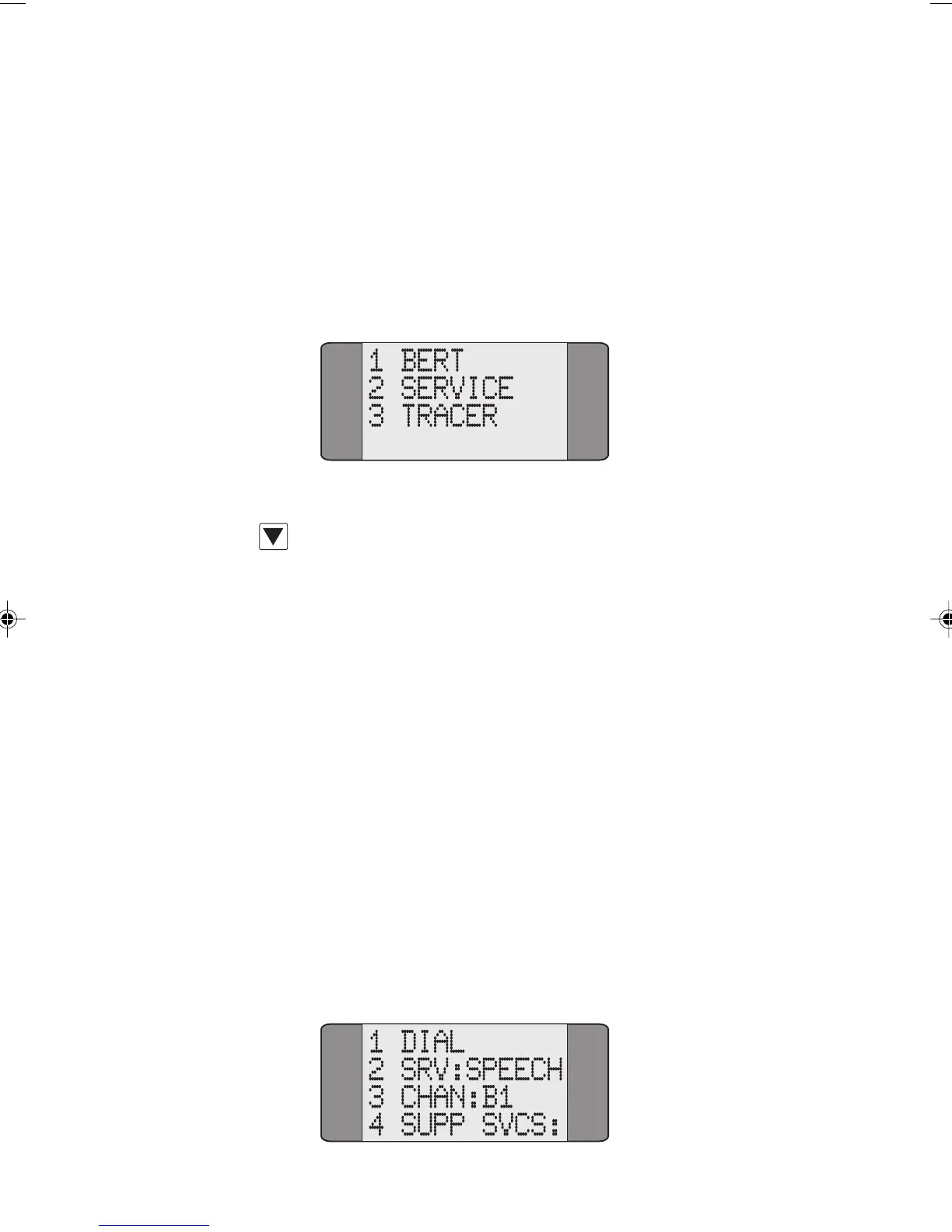
From the Main Menu choose CALLS. The following screen is
displayed:
Chap05.P65 01/05/01, 09:1110



 To Next Page