Trend AuroraPlus User Guide
5-16 429850
• Choose TRACER to display any stored ISDN signalling
information - please refer to Displaying Tracer Output
below.
Displaying Tracer Output
The Tracer is the name given to the AuroraPlus function which
lets you capture detailed ISDN signalling information from
the D (Demand) Channel to
AuroraPlus's memory. This
information is sometimes called 'Decode'.
Note
Tracer Results are held in the AuroraPlus's RAM. When you
switch off
AuroraPlus the results are lost.
For details on how to capture Decode, please refer to Tracer
Setup in Chapter 3. The following section describes how to
display the Decode, download it to a PC using the serial port
and how to erase it from
AuroraPlus's memory.
Choose
RESULTS from the Main Menu.
Choose the
TRACER option.
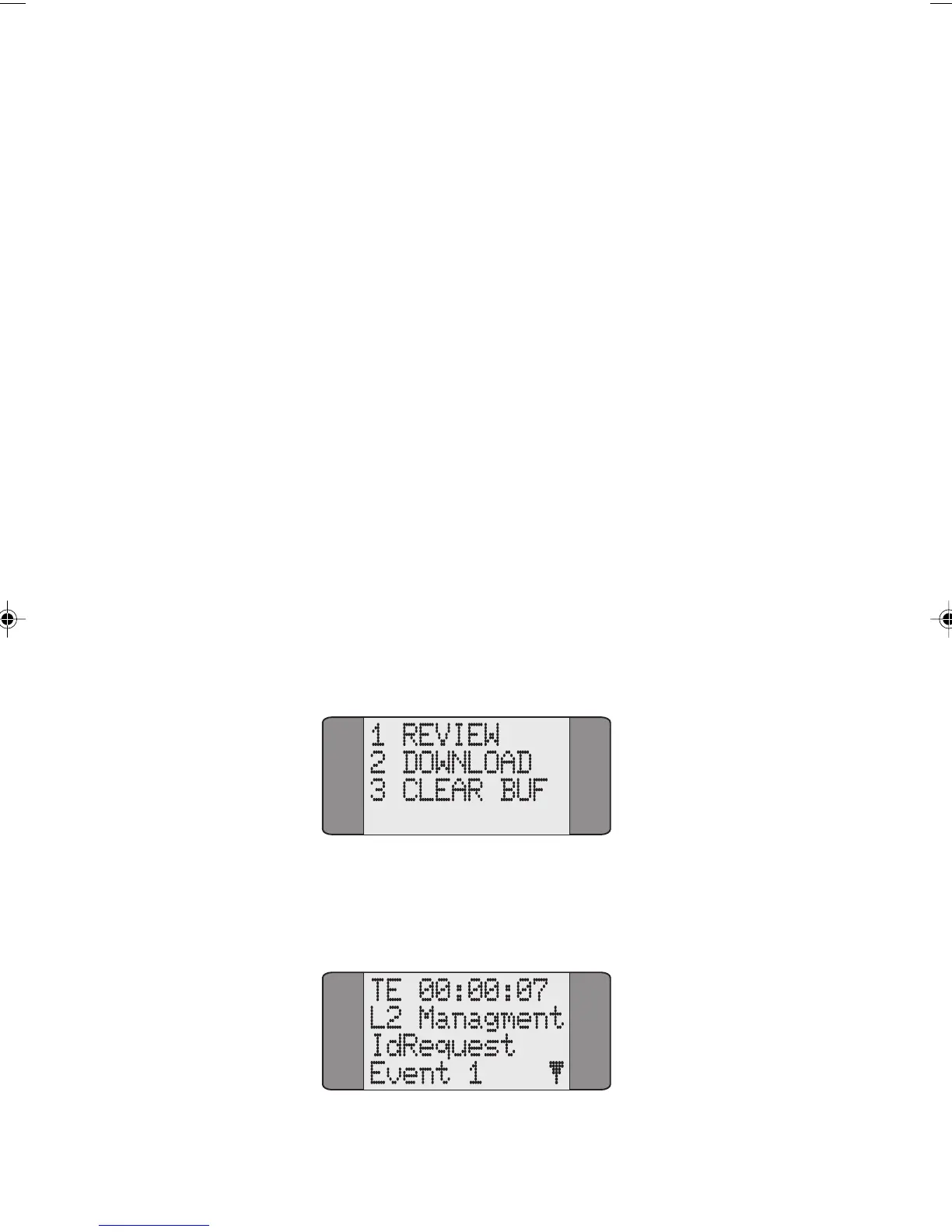
Choose REVIEW to display the stored Decode information. If
no data is stored
Tracer Buffer Empty is displayed:
Chap05.P65 01/05/01, 09:1216



 To Next Page