Test Functions
Issue 5 - 04/01 5-5
Remote Service Check This tests service availability for a
remote designated terminal across
the entire ISDN.
To access the Service Check, choose
TESTS from the Main
Menu.
Choose
SERVICE. An asterisk (*) is displayed against the
current selection.
Note
The results of the Service Check are held in the AuroraPlus's
RAM. When you switch off
AuroraPlus the results are lost.
Performing a Local Service Check
If you choose to perform a LOCAL test the results cannot be
guaranteed, due to different network setups.
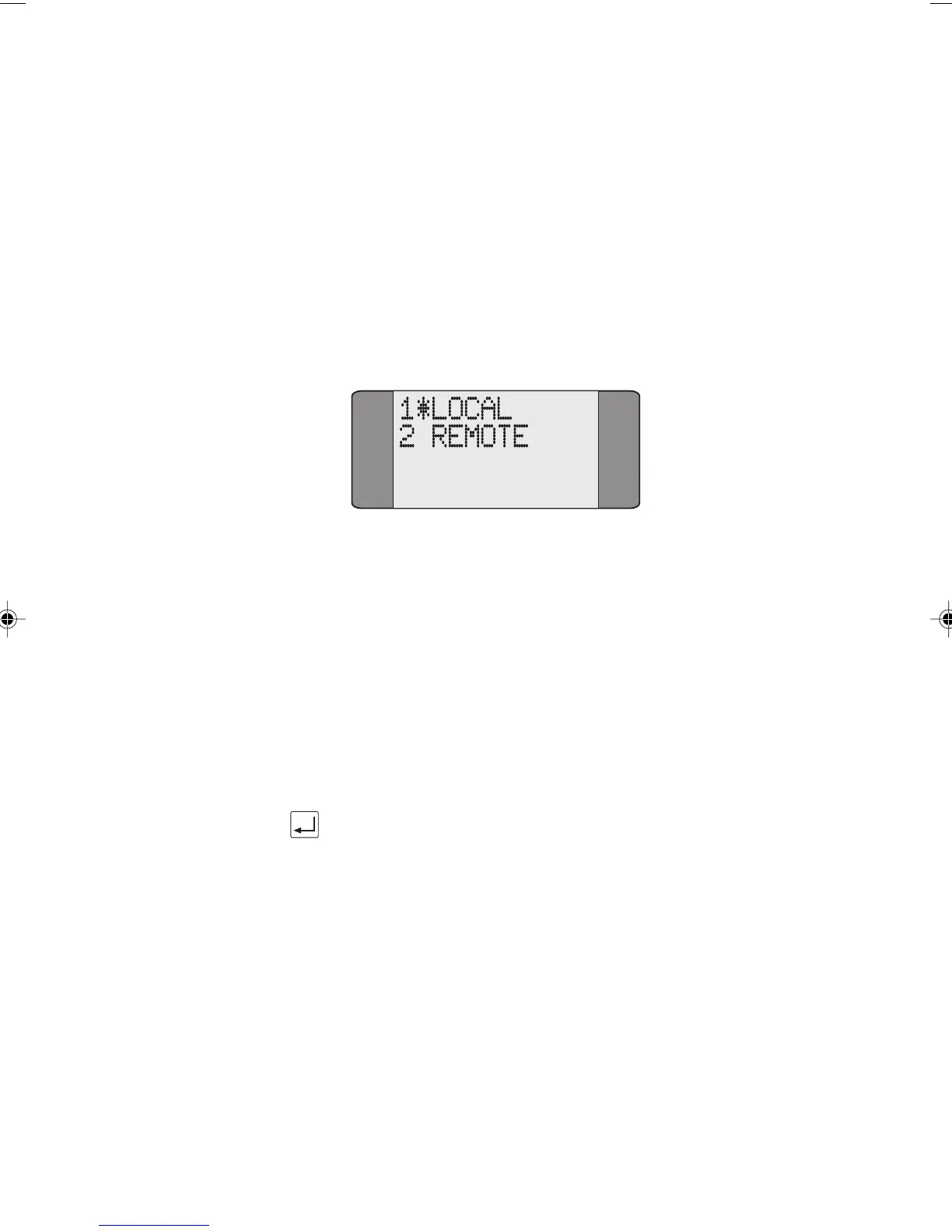
Choose LOCAL to perform a Local Service Check.
Press ENTER to start the test. AuroraPlus checks each service
in turn. Refer to Understanding Service Check Results for
information on what is displayed.
Chap05.P65 01/05/01, 09:115



 To Next Page