Spectrum B Stimulus and Functional
Issue 5 - 04/01 7-5
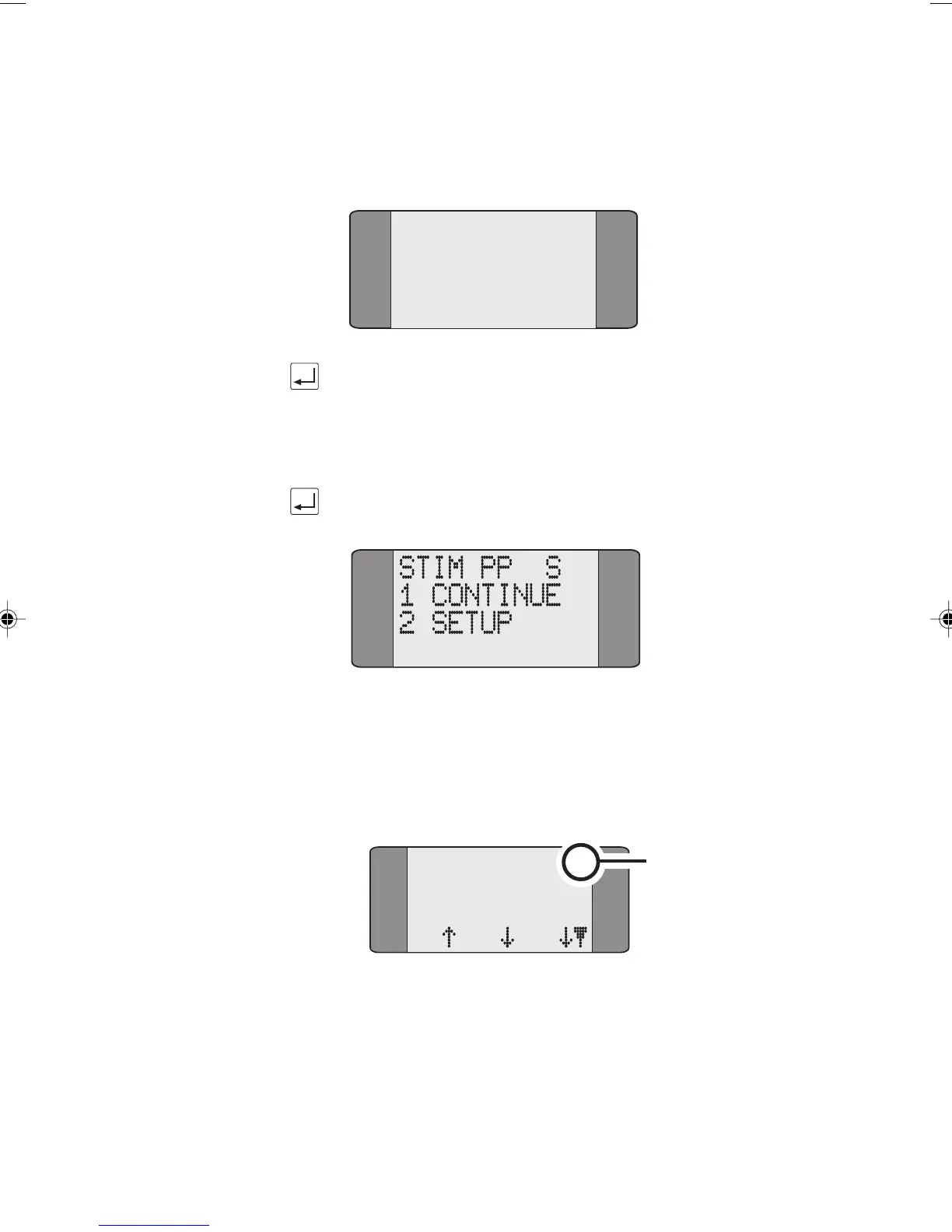
If the SPID is accepted by the network the following is
displayed:
STIM PP S
10
SPID Accept
To display the Main menu, press the ENTER key.
If the SPID is not accepted by the network SPID Reject is
displayed, or if there is a layer 1 error SPID Lost is displayed.
Press the ENTER key, the following is displayed:
Spectrum Stimulus Call Setup
On the main menu, choose CALLS, the following is
displayed:
Feature number
and status
{
Displayed if a message
is received from the
network
ON HOOK:1 D
IIIIIIII
IIIIIIII
L1 L2 L3
Chap07.P65 01/05/01, 09:155



 To Next Page