Call Establishment
Issue 5 - 04/01 4-37
Press SCROLL to display the SUPP SVCS option.
Choose
SUPP SVCS to display the following screen:
1 MCID
2 CCBS
3 UUS
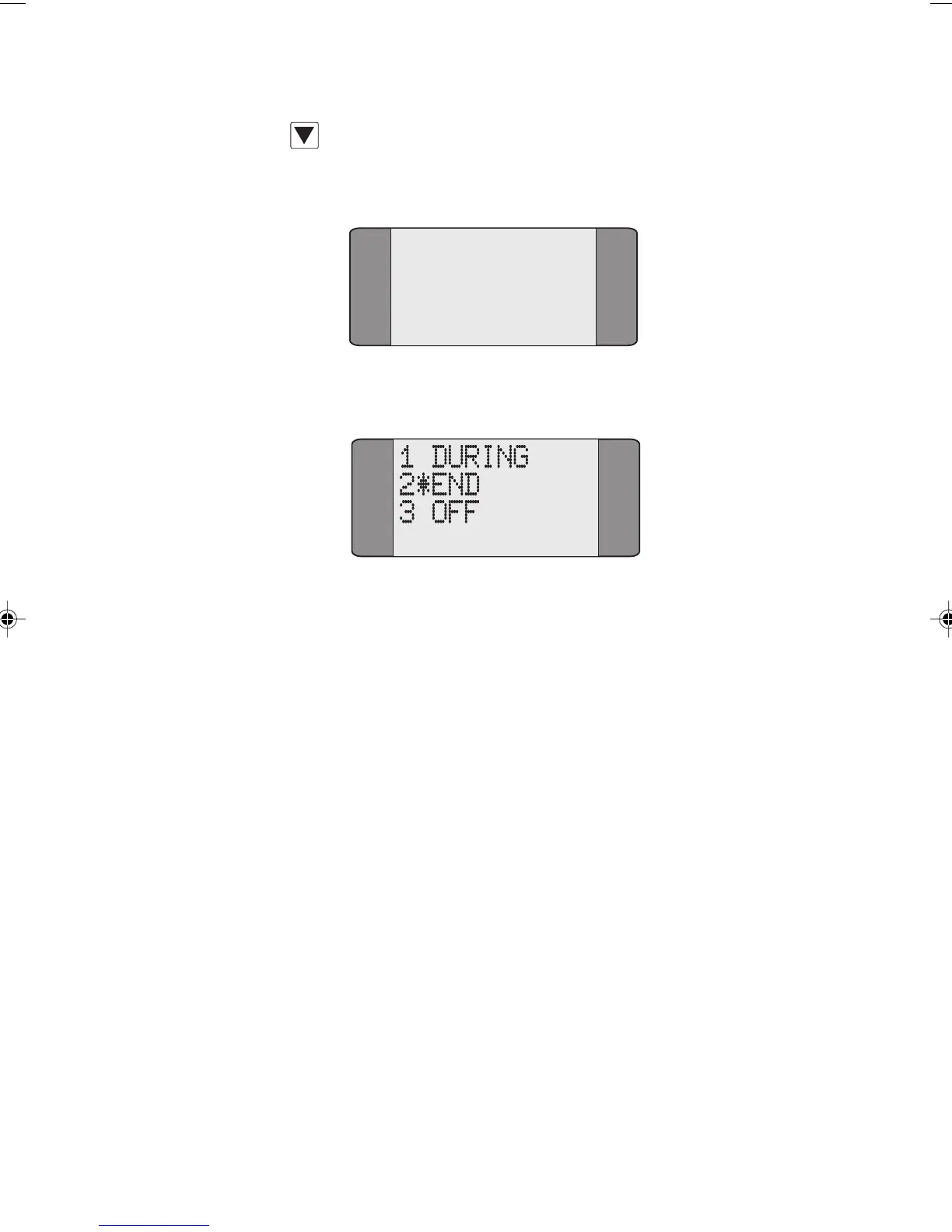
Choose MCID to display the following screen:
Choose DURING to activate MCID during a call or select END
to activate it at the end of calls. Choose OFF to deactivate
MCID. An asterisk (
*) indicates the current selection.
Making a Three Party Call
This service allows you to participate in and control a
three-way conversation.
This feature is only available on Point-to-Multipoint
connections, when two or more calls are connected on a
single Bearer Channel.
After you have established two calls, and placed one of the
calls on hold, you can set up a Three Party Call (please refer
to the section entitled Placing a Call on Hold in this chapter
for further information).
For example, in the following diagram, a call has been
established with Steve and placed on hold. A second call has
then been established with Nick.
Chap04s2.P65 30/04/01, 16:3737



 To Next Page